
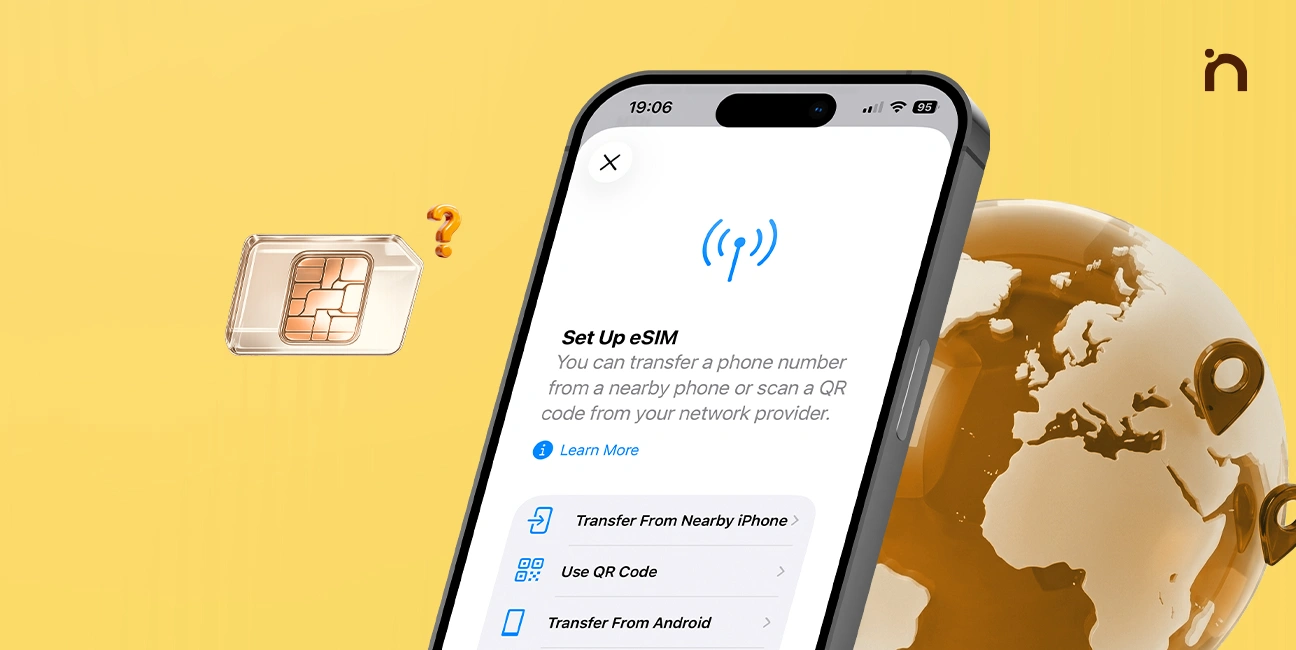
A few years ago, switching phone carriers meant hunting for a paperclip, popping out a tiny tray, and hoping you didn’t lose the plastic chip on the floor. In 2026, that ritual is quietly disappearing. Most flagship phones now ship with eSIM support, and some no longer have a SIM tray at all.
If you’ve seen “eSIM” on a spec sheet and wondered what it actually means for you, this guide breaks it down in plain English. If you’re shopping for a new handset, our guide to the best smartphones of 2026 shows which models support it.
In this article
- What Is an eSIM?
- How Does eSIM Actually Work?
- Which Phones Support eSIM in 2026?
- eSIM vs Physical SIM: The Real Differences
- The Biggest Benefits of eSIM
- The Downsides You Should Know
- How to Set Up an eSIM: Step by Step
- Moving Your eSIM to a New Phone
- Is eSIM Safe?
- Should You Switch to eSIM?
- Frequently Asked Questions
What Is an eSIM?
An eSIM (embedded SIM) is a small chip soldered directly onto your phone’s motherboard. It does the same job as a regular SIM card: it identifies you to your mobile network so you can make calls, send texts and use data.
 Also readNot Receiving Texts on Android? 10 Fixes I Try, in This Order
The difference is that you never touch it. Instead of inserting a card, you download a carrier “profile” onto the chip. The technical standard behind this is managed by the GSMA, the global body that represents mobile operators.
Think of it like this:
- Physical SIM = a key you carry around and plug in.
- eSIM = a digital key your carrier sends to your phone over the air.
How Does eSIM Actually Work?
When you activate an eSIM, three things happen behind the scenes:
- Your carrier creates a profile. This profile contains the same identity details a physical SIM would hold, including your number and network credentials.
- You receive an activation method. Usually it’s a QR code, a carrier app, or a one-tap setup during phone activation.
- Your phone downloads and installs the profile. The eSIM chip stores it securely, and your phone connects to the network.
The whole process typically takes two to five minutes on a stable Wi-Fi connection. Most modern eSIM chips can store several profiles, although only one or two can be active at once, depending on your phone.
Which Phones Support eSIM in 2026?
Support is now widespread across mid-range and premium devices:
- iPhones: Every model since the iPhone XS supports eSIM. Recent US iPhones are eSIM-only, with no physical tray.
- Samsung Galaxy: The S, Z Fold and Z Flip series, plus many A-series models.
- Google Pixel: All Pixel phones from the Pixel 3 onward.
- Others: Many recent OnePlus, Motorola, Xiaomi and Oppo phones, although support can vary by region.
One important caveat: the same phone model may support eSIM in one country but not another. Always check the exact variant before buying, especially for imported phones.
eSIM vs Physical SIM: The Real Differences
| Feature | eSIM | Physical SIM |
|---|---|---|
| Setup | QR code or app, no store visit | Insert a card from the carrier |
| Switching carriers | Minutes, fully digital | Need a new card |
| Multiple numbers | Several profiles stored | One per slot |
| Loss or theft | Can’t be removed and swapped | Thief can remove it |
| Moving to a new phone | Transfer or re-download profile | Just move the card |
| Carrier support | Growing, not universal | Universal |
The Biggest Benefits of eSIM
1. Better for travelers. This is where eSIM really shines. Instead of buying a local SIM at the airport, you can buy a data plan online before you land and activate it instantly. Your home number can stay active alongside it for calls and OTPs.
2. Dual numbers without dual trays. Want a separate work and personal number on one phone? eSIM makes it easy, even on phones with only one physical slot.
3. Improved security. A thief can’t simply pull out your SIM to stop you tracking your phone. That makes features like Find My and Find My Device more reliable.
4. Slimmer, tougher phones. Removing the SIM tray frees internal space for a bigger battery and removes one more opening where water and dust can get in.
The Downsides You Should Know
eSIM isn’t perfect, and it’s worth being honest about the trade-offs:
- Not every carrier supports it. Smaller and prepaid operators in some countries still rely on physical cards.
- Switching phones takes an extra step. You can’t just swap a card; you need to transfer the profile, which sometimes means contacting your carrier.
- Phone repairs can be tricky. If your phone dies completely, you may need your carrier to reissue the eSIM.
- Deleting it by accident is a hassle. If you remove an eSIM profile, you usually can’t reinstall it from the same QR code. You’ll need a new one.
How to Set Up an eSIM: Step by Step
The exact menus vary, but the process is similar on most phones:
On iPhone:
- Go to Settings > Cellular (or Mobile Data) > Add eSIM.
- Choose Use QR Code or follow your carrier’s on-screen option.
- Scan the code, confirm, and label the line (for example, “Personal” or “Travel”).
On Android (Samsung or Pixel):
- Open Settings > Connections (or Network & internet) > SIM manager.
- Tap Add eSIM and scan the QR code from your carrier.
- Wait for activation, then choose your default line for calls and data.
Pro tip: Do this on Wi-Fi, and keep a screenshot of your carrier’s activation details somewhere safe, just in case setup fails midway.
Moving Your eSIM to a New Phone
This is the part people worry about most, but it has become much easier. Both iOS and Android now offer built-in eSIM transfer during setup when you move between phones of the same brand.
Moving between brands, such as iPhone to Samsung, is still less smooth. In most cases, you’ll need to request a new eSIM from your carrier through their app or website. Plan ahead and avoid wiping your old phone until the new line is working.
Is eSIM Safe?
Yes. eSIM profiles are encrypted and stored in a secure element on the chip. The bigger risk is not the technology but social engineering. Criminals sometimes try “SIM swap” scams by convincing a carrier to move your number to their device.
To protect yourself:
- Set a carrier account PIN or passcode.
- Use an authenticator app instead of SMS codes where possible. Our guide to two-factor authentication explains how.
- Never share eSIM QR codes or activation codes with anyone.
Should You Switch to eSIM?
For most people with a modern phone and a carrier that supports it, the answer is yes. It’s faster, more secure and far more convenient for travel. If you travel often, you’ll wonder how you ever managed without it.
However, if your carrier doesn’t offer eSIM yet, or you frequently move your SIM between older phones, sticking with a physical card for now is perfectly fine. Many phones still let you use both at the same time.
For a deeper technical background, the eSIM page on Wikipedia is a good next read. If battery life matters as much to you as connectivity, check our guide on why your phone battery drains so fast.
Frequently Asked Questions
Can I use eSIM and a physical SIM together? Yes, most dual-SIM phones let you use one eSIM and one physical SIM at the same time.
Does eSIM use more battery? No. An eSIM uses about the same power as a physical SIM.
Can I have more than one eSIM? Most phones store several eSIM profiles, though usually only one or two can be active at a time.

1 Comment