There are few phone problems more annoying than missing messages. A friend says they texted you an hour ago, your bank’s verification code never arrives, or a delivery driver can’t reach you. Your phone shows full bars and everything else seems fine, yet the messages simply aren’t there.
The good news is that an Android not receiving texts problem is almost always fixable at home. I work through the checks below in this order, because the early ones are quick and solve most cases. If your phone has other odd behaviour, such as heat or sudden battery drain, our guide to why phone batteries drain fast is worth a look too.
In this article
- 1. Check Signal and Restart the Phone
- 2. Toggle Airplane Mode
- 3. Make Sure the Sender Isn’t Blocked
- 4. Set the Right Default Messaging App
- 5. Clear the Messaging App’s Cache
- 6. Free Up Storage Space
- 7. Check RCS Chat Features
- 8. Reset Network Settings
- 9. Reseat or Replace the SIM
- 10. Contact Your Carrier
- Quick Reference: Symptom vs Likely Fix
- How to Stop It Happening Again
- Frequently Asked Questions
- The Bottom Line
1. Check Signal and Restart the Phone
Start simple. SMS needs a mobile network connection, not just Wi-Fi. Look at the signal indicator, and if you’re in a basement or rural area, move somewhere with better reception.
 Also readPhone Getting Hot While Charging? 9 Fixes That Actually Help
Then restart the phone. A restart re-registers your phone on the network and clears small glitches in the messaging service. It sounds obvious, but it fixes a surprising number of missing-message problems.
2. Toggle Airplane Mode
Turn airplane mode on, wait 15 seconds, then turn it off. This forces the phone to reconnect to the nearest mast. It’s a quicker version of a restart and worth trying whenever messages seem stuck.
3. Make Sure the Sender Isn’t Blocked
If texts from one particular person are missing, check whether you blocked them by accident. In Google Messages, open the menu, go to Spam & blocked, and look for the number. Also check your phone’s call-blocking settings, since some phones share one blocklist for calls and texts.
While you’re there, check the spam folder itself. Messages from short codes, businesses and unknown numbers sometimes land there, including one-time passcodes.

4. Set the Right Default Messaging App
Android allows only one default SMS app. If you recently installed a different messaging app, it may have taken over, so texts arrive there instead of the app you normally check.
Go to Settings > Apps > Default apps > SMS app and choose the app you actually use. On Samsung phones you can choose Samsung Messages or Google Messages; pick one and stick with it.
5. Clear the Messaging App’s Cache
A corrupted cache can stop the messaging app from showing new texts properly. Go to Settings > Apps > Messages > Storage and tap Clear cache. Don’t tap “Clear storage” or “Clear data” unless you’ve backed up your messages, because that can delete your conversation history.
Then check for an app update in the Play Store. Google’s Messages help centre lists current known issues and setup steps if the problem started after an update.
6. Free Up Storage Space
When storage is almost full, phones can quietly fail to save incoming messages, especially picture messages. Check Settings > Storage. If you have less than about 1GB free, delete old videos, large app caches or downloaded files. Our walkthrough on fixing phone storage that stays full shows where hidden space usually goes.
7. Check RCS Chat Features
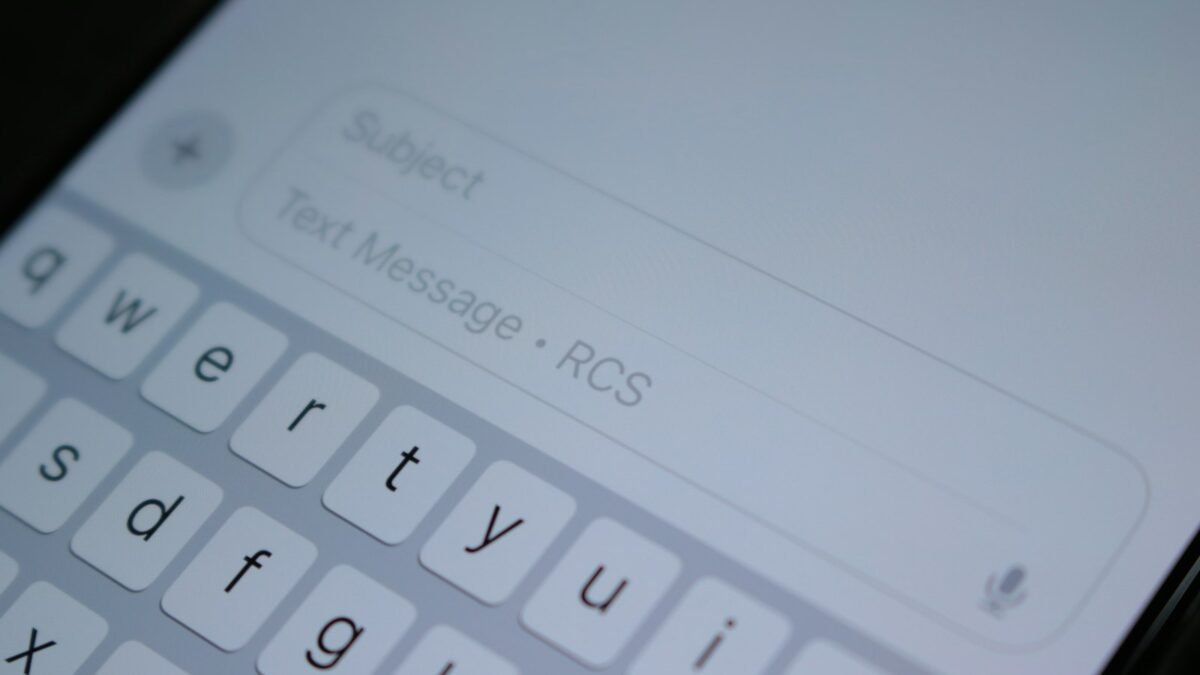
Modern Android phones use RCS (Rich Communication Services), which sends messages over data like an internet messenger. It usually works well, but problems occur when:
- You moved your number to a new phone and RCS is still registered on the old one
- You switched from an iPhone and your number is still linked to iMessage
- Your data connection is poor, so RCS messages wait instead of falling back to SMS
In Google Messages, go to Settings > RCS chats and check the status. If it says “connecting” for a long time, turn RCS off, restart the phone and turn it back on. If you used to have an iPhone, deregister your number from iMessage using Apple’s online deregistration tool so iPhone users stop sending to iMessage.
8. Reset Network Settings
If the problem continues, reset network settings. This clears saved Wi-Fi networks, Bluetooth pairings and mobile network preferences, but doesn’t delete your files or messages.
On most phones: Settings > System > Reset options > Reset Wi-Fi, mobile & Bluetooth. On Samsung: Settings > General management > Reset > Reset network settings. You’ll need to re-enter Wi-Fi passwords afterwards.
9. Reseat or Replace the SIM
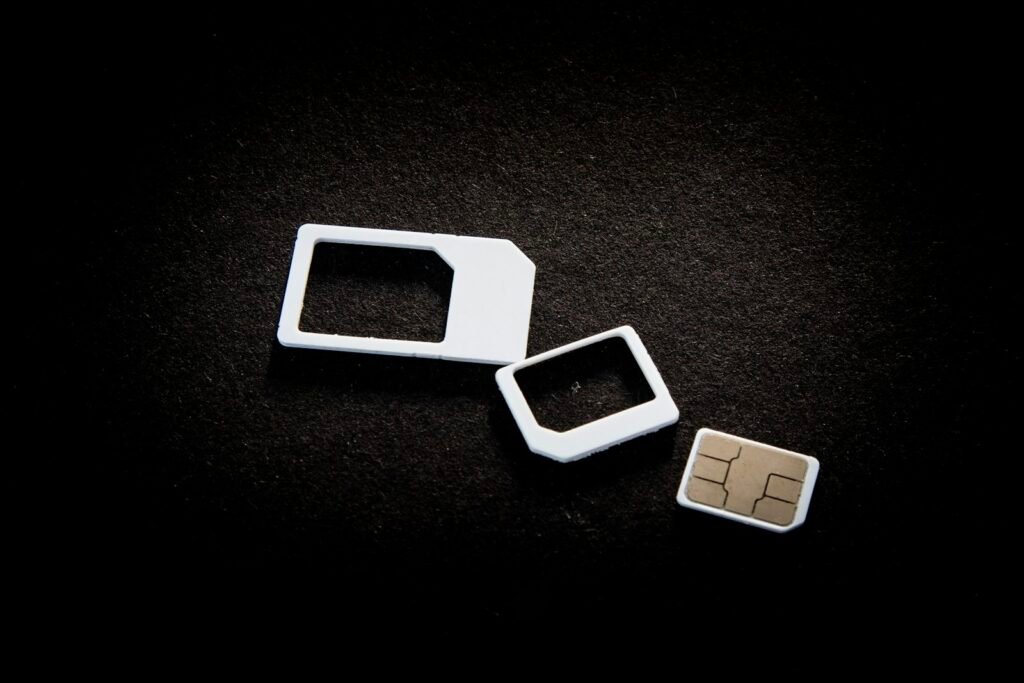
A loose or worn SIM card can cause intermittent problems with calls and texts. Power off the phone, remove the SIM tray, check the card for damage, wipe the contacts gently with a dry cloth and reinsert it.
If you use an eSIM, check that the correct line is selected for SMS under your SIM settings, especially on dual-SIM phones. If the SIM is several years old or you see “No SIM” errors, ask your carrier for a replacement.
10. Contact Your Carrier
If none of the above works, the issue may be on the carrier’s side. Ask them to check:
- Whether your account has a block on short codes or premium messages
- Whether there’s a network outage in your area
- Whether your number is correctly provisioned for SMS on their network
- Whether your phone’s message centre number (SMSC) is set correctly
Carriers can often refresh your line remotely, which fixes provisioning problems in minutes.
Quick Reference: Symptom vs Likely Fix
| Symptom | Most likely fix |
|---|---|
| Texts from one person missing | Check blocked list and spam folder |
| Verification codes don’t arrive | Check spam, short-code blocks with carrier |
| Messages from iPhone users missing | Deregister number from iMessage |
| Picture messages fail | Free storage, check mobile data |
| Nothing arrives at all | Signal, SIM, network reset, carrier |
How to Stop It Happening Again
Once texts are flowing again, a few habits keep the problem from returning:
- Keep at least 2–3GB of storage free. Phones behave badly in many ways when storage is nearly full, and messaging is one of the first things to suffer.
- Stick to one messaging app. Switching between Samsung Messages, Google Messages and third-party apps is a common cause of texts going “missing” into an app you don’t check.
- Turn off RCS before moving your SIM. When you switch phones, disable chat features on the old phone first so your number isn’t stuck registered there.
- Install system updates promptly. Carrier settings and messaging fixes often arrive quietly inside regular updates.
- Review your spam filter now and then. Spam protection is helpful, but it occasionally catches legitimate messages from banks or delivery companies.
If you use your phone for two-factor login codes, consider moving important accounts to an authenticator app as well. That way a temporary SMS problem never locks you out of email or banking.
Frequently Asked Questions
Why am I receiving calls but not texts?
Calls and texts use different services. Common causes are a wrong default SMS app, a corrupted messaging cache, RCS registration problems or an incorrect message centre setting.
Will resetting network settings delete my messages?
No. It only clears connection settings like Wi-Fi passwords and Bluetooth pairings.
Can a full storage cause missing texts?
Yes. When storage is nearly full, the phone may not save new messages, especially multimedia messages.
Why do texts arrive late in a bunch?
Usually poor signal or RCS waiting for a data connection. Messages are delivered once the connection improves.
The Bottom Line
Most missing-text problems come down to signal, a blocked sender, the wrong default app, RCS registration or storage. Work through these ten fixes in order and you’ll usually solve it within twenty minutes. If everything checks out on your phone, the carrier can fix the rest. For more phone troubleshooting, browse our Smartphones section.