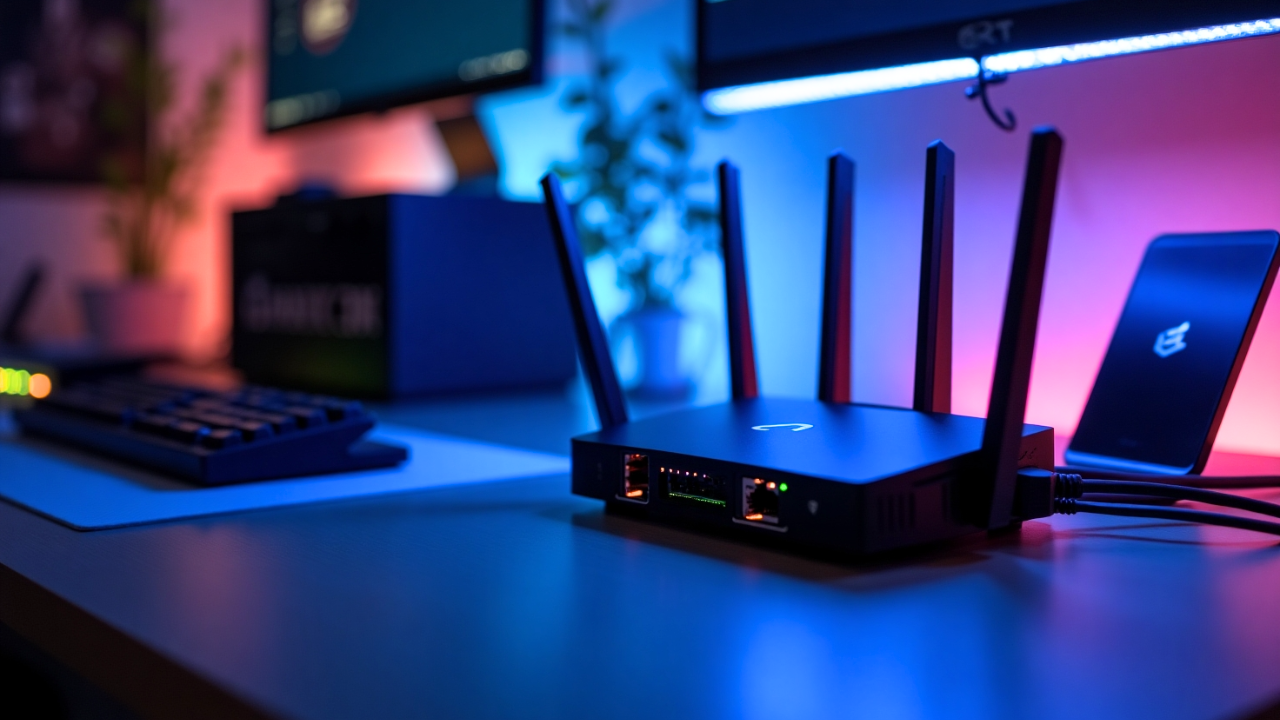
Router boxes in 2026 are covered in big numbers: “Wi-Fi 7,” “BE19000,” “46Gbps.” It’s tempting to assume a newer router will instantly fix slow internet. The reality is more nuanced.
Wi-Fi 7 is a genuine leap forward, but whether you need it depends on your internet plan, your devices and your home. This guide explains what Wi-Fi 7 actually does and helps you decide if upgrading makes sense. If you’re building out a connected home, our guide to smart home devices worth buying is a useful companion read.
In this article
What Is Wi-Fi 7?
Wi-Fi 7 is the marketing name for the IEEE 802.11be standard. It’s the successor to Wi-Fi 6 and Wi-Fi 6E, and the Wi-Fi Alliance officially launched certification for it in January 2024.
 Also readScreen Flickering on Windows 11: 9 Fixes for Laptops and External Monitors
A quick look at how the generations compare:
| Generation | Standard | Max theoretical speed | Bands |
|---|---|---|---|
| Wi-Fi 5 | 802.11ac | 3.5Gbps | 5GHz |
| Wi-Fi 6 | 802.11ax | 9.6Gbps | 2.4 / 5GHz |
| Wi-Fi 6E | 802.11ax | 9.6Gbps | 2.4 / 5 / 6GHz |
| Wi-Fi 7 | 802.11be | about 46Gbps | 2.4 / 5 / 6GHz |
Those maximum speeds are theoretical, measured in perfect lab conditions. Real-world speeds are much lower, but the improvement over older standards is still very noticeable.
The 4 Key Features That Make Wi-Fi 7 Different
1. Multi-Link Operation (MLO)
This is the headline feature. Older Wi-Fi connects your device to one band at a time. With MLO, a Wi-Fi 7 device can use multiple bands simultaneously, such as 5GHz and 6GHz together.
The result is faster speeds, lower latency and a more stable connection. If one band gets crowded, traffic flows through the other without a hiccup.
2. 320MHz Channels
Wi-Fi 7 doubles the maximum channel width to 320MHz on the 6GHz band. Think of it as widening a highway from four lanes to eight. More data moves at once, which mainly benefits very fast connections and large file transfers.
3. 4K-QAM
This is a more efficient way of packing data into the radio signal. Wi-Fi 7 fits about 20% more data into each transmission than Wi-Fi 6, which boosts speed when you’re close to the router.
4. Preamble Puncturing
If part of a channel is affected by interference, Wi-Fi 7 can skip just that slice instead of abandoning the whole channel. This keeps speeds higher in busy apartment buildings.
What Does Wi-Fi 7 Mean in Real Life?
Here’s what you’ll actually notice with a Wi-Fi 7 router and compatible devices:
- Lower latency for gaming and video calls, often the most noticeable improvement
- Faster local transfers between computers and network drives
- More stable connections in crowded homes with many devices
- Better performance for VR and cloud gaming, which are very sensitive to lag
What you won’t notice: faster internet than your plan allows. If you pay for 100Mbps broadband, Wi-Fi 7 won’t make Netflix load faster than 100Mbps.
Which Devices Support Wi-Fi 7?
To benefit, both your router and your devices must support Wi-Fi 7. Support is growing quickly:
- Phones: Recent flagships from Samsung, Google and Apple, including the Galaxy S24 and later, Pixel 9 and later, and iPhone 16 and later
- Laptops: Many 2025 and 2026 Windows laptops with recent Intel or Qualcomm chips
- Routers and mesh systems: Available from TP-Link, Netgear, Asus, Eero and others
Older devices still work perfectly on a Wi-Fi 7 router. They just connect using their own older standard.
Do You Actually Need Wi-Fi 7? A Simple Checklist
You’ll benefit from Wi-Fi 7 if:
- Your broadband plan is 1Gbps or faster.
- You own several Wi-Fi 7 phones or laptops.
- You game competitively, use VR, or move large files across your network.
- Your home has 30 or more connected devices.
You can probably wait if:
- Your internet plan is under 500Mbps.
- Your router is a Wi-Fi 6 or 6E model bought in the last three years.
- Most of your devices are a few years old.
For many people, the biggest problem isn’t the Wi-Fi standard. It’s router placement or coverage. A mesh system, even on Wi-Fi 6, can fix dead zones better than a single Wi-Fi 7 router in the corner of the house.
Wi-Fi 7 vs Wi-Fi 6E: Is the Upgrade Worth It?
If you already own a Wi-Fi 6E router, the upgrade is a smaller step. Both use the 6GHz band. The main gains from Wi-Fi 7 are MLO and wider channels. For most homes, 6E remains excellent, and upgrading is a “nice to have” rather than a must.
If you’re still on Wi-Fi 5 or older, the jump to Wi-Fi 7 is significant, and it’s worth considering a Wi-Fi 7 router when you next upgrade.
Tips for Buying a Wi-Fi 7 Router
- Look for real Wi-Fi 7 certification, not just a “Wi-Fi 7 ready” label.
- Check for 6GHz support. Some budget models skip it, losing key benefits.
- Consider mesh for larger homes. The 6GHz band doesn’t travel through walls as well.
- Check the ports. A 2.5Gbps or 10Gbps WAN port is needed to use multi-gig internet plans fully.
To get the most out of your new network, pair it with quality cables and chargers. Our roundup of the best USB-C accessories includes useful USB-C to Ethernet adapters.
Final Verdict
Wi-Fi 7 is the most important wireless upgrade in years, especially thanks to Multi-Link Operation. But it only shines when you have fast internet and compatible devices. If your current router works well and your plan is under 500Mbps, you can comfortably wait a year or two while prices drop.
For a deeper technical breakdown, the Wi-Fi 7 entry on Wikipedia covers the full 802.11be specification.
Frequently Asked Questions
Is Wi-Fi 7 faster than 5G? In most homes, yes. Wi-Fi 7 offers lower latency and higher local speeds than mobile 5G.
Will my old devices work on a Wi-Fi 7 router? Yes. Wi-Fi 7 is backward compatible with older Wi-Fi devices.
Does Wi-Fi 7 increase my internet speed? Only up to your broadband plan’s limit. It improves wireless performance, not your provider’s speed.