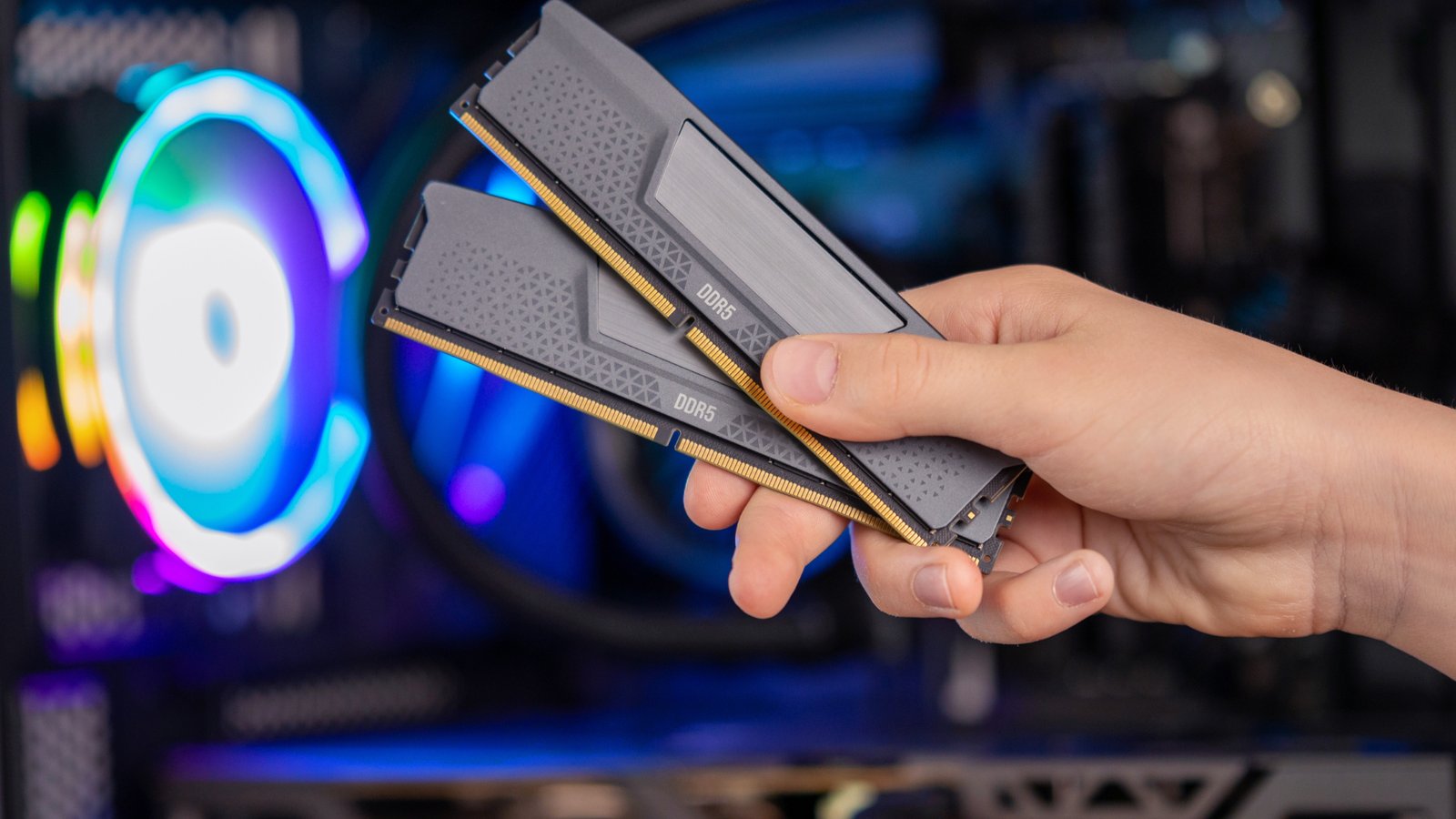
I spent a week deliberately using an 8GB RAM laptop as my only machine to find out if the common advice to “always get 16GB” still holds up, or if it’s outdated caution. The honest answer depends heavily on what you actually do daily. Our Best Student Laptops 2026 guide covers RAM recommendations specifically for coursework-focused use.
In this article
- Where 8GB Held Up Fine
- Where It Started Struggling: Browser Tab Hoarding
- Where It Failed Outright: Real Multitasking
- The Chrome Tab Problem Specifically
- What About Gaming on 8GB?
- Can You Upgrade RAM Later If You Start With 8GB?
- How to Actually Check Your RAM Usage Right Now
- Does RAM Speed Matter as Much as Capacity?
- My Honest Recommendation After Testing This
- A Middle Ground Worth Knowing About
- How This Might Change Going Forward
- The Bottom Line
Where 8GB Held Up Fine
For genuinely light use — a handful of browser tabs, word processing, email, video calls one at a time — 8GB handled everything without noticeable slowdown during my test week. Basic productivity work simply doesn’t demand more memory than this, and claiming otherwise would be dishonest based on what I actually experienced.
Where It Started Struggling: Browser Tab Hoarding
This is where 8GB showed real limits. Once I pushed past roughly 15-20 open browser tabs, especially with a few media-heavy sites in the mix, I noticed genuine lag switching between tabs, and occasionally a tab would fully reload after being backgrounded — a clear sign of memory pressure forcing the system to unload content it would otherwise keep ready. Mozilla’s own guidance on browser memory usage confirms modern browsers are simply heavier on RAM than they were even a few years ago, which is the core reason 8GB feels tighter now than it used to.
 Also readUSB Device Not Recognized in Windows 11? 11 Fixes That Work
Where It Failed Outright: Real Multitasking
Running video editing software alongside a browser and a chat app simultaneously is where 8GB genuinely wasn’t enough — the system began swapping to disk (using storage as overflow memory, which is dramatically slower than RAM itself), producing noticeable stutter and occasional application freezes. If your daily work involves any combination of creative software, virtual machines, or heavy multitasking across several demanding apps, 8GB is a real constraint, not just a theoretical one.
The Chrome Tab Problem Specifically
It’s worth calling out Chrome by name here, since it’s genuinely one of the heavier RAM consumers among mainstream browsers due to its multi-process architecture. Switching to a lighter browser, or enabling tab-suspension extensions that unload inactive tabs automatically, meaningfully extended how far I could push an 8GB system before hitting real slowdown — a practical workaround worth trying before assuming you need new hardware.
What About Gaming on 8GB?
Many current games list 8GB as a minimum system requirement, but “minimum” here means playable, not comfortable — expect to run at lower texture settings and experience more frequent stutter during demanding scenes compared to a 16GB system. PC Gamer’s system requirement analysis has noted this same pattern across recent AAA releases, where 8GB is technically supported but genuinely limiting for a smooth experience.
Can You Upgrade RAM Later If You Start With 8GB?
This is the single most important question to answer before buying an 8GB machine. Many modern thin laptops now solder RAM directly to the motherboard, making it permanently fixed at purchase — no upgrade path exists later, regardless of how your needs change. If a laptop does support user-upgradable RAM, buying with 8GB now and upgrading later if needed is a genuinely reasonable cost-saving strategy; if RAM is soldered, that flexibility doesn’t exist, and it’s worth paying more upfront for 16GB instead.
How to Actually Check Your RAM Usage Right Now
Before deciding whether you need more RAM, it’s worth checking your own actual usage rather than guessing. On Windows, Task Manager’s Performance tab shows real-time memory usage alongside a graph of recent activity — if you’re regularly seeing usage climb above 85-90% during normal work, that’s a genuine sign you’re RAM-constrained. On Mac, Activity Monitor’s Memory tab shows a similar breakdown, including memory pressure, which is a more direct indicator of whether your system is actually struggling versus just using available memory efficiently.
This diagnostic step matters because RAM usage climbing toward 100% isn’t automatically a problem — modern operating systems intentionally use available RAM for caching to speed things up, and will release it instantly when an application needs it. The real warning sign is sustained high memory pressure alongside actual slowdown, not just a high percentage number on its own.
Does RAM Speed Matter as Much as Capacity?
Capacity gets most of the attention, but RAM speed (measured in MHz) also affects performance, particularly on systems with integrated graphics that share memory bandwidth with the CPU. The practical difference is smaller than the capacity question for most users, but it’s worth knowing that two laptops both advertised with “8GB RAM” can perform noticeably differently if one uses significantly faster memory modules than the other. Intel’s guidance on memory performance covers how RAM speed interacts with integrated graphics performance specifically, which is relevant for budget laptops without dedicated GPUs.
My Honest Recommendation After Testing This
- 8GB is genuinely fine for browsing, email, word processing, and light video calls — don’t let anyone tell you otherwise for these use cases
- 16GB is worth the extra cost if you regularly keep 15+ browser tabs open, edit video or photos, or run multiple demanding apps simultaneously
- Always check whether RAM is upgradable before buying an 8GB machine — if it’s soldered, buy for your future needs, not just today’s
- If you’re already noticing lag on an existing 8GB machine, try a lighter browser or tab-suspension extension before assuming you need new hardware
A Middle Ground Worth Knowing About
If 16GB pushes a laptop outside your budget but 8GB genuinely worries you, it’s worth checking whether the specific model offers a 12GB configuration — an increasingly common middle tier that splits the difference in both price and capability. In my experience, 12GB handles moderate multitasking noticeably better than 8GB while still costing less than jumping straight to 16GB, making it a reasonable compromise for users who fall between the two clear use-case categories described above.
How This Might Change Going Forward
It’s worth keeping in mind that software’s memory demands tend to grow over time, not shrink — an 8GB machine that feels adequate today may feel noticeably tighter in two to three years as web pages, apps, and operating systems themselves grow heavier. If you’re buying a laptop you plan to keep for the long haul rather than upgrading every year or two, that trajectory is worth factoring in even if 8GB technically covers your needs on day one.
The Bottom Line
8GB of RAM in 2026 is enough for genuinely light computing use, but it’s a real, noticeable constraint the moment you push into heavy multitasking, creative work, or aggressive browser tab habits. The right amount depends entirely on your actual daily use, not a blanket rule — and checking upgradability before you buy matters just as much as the number itself.