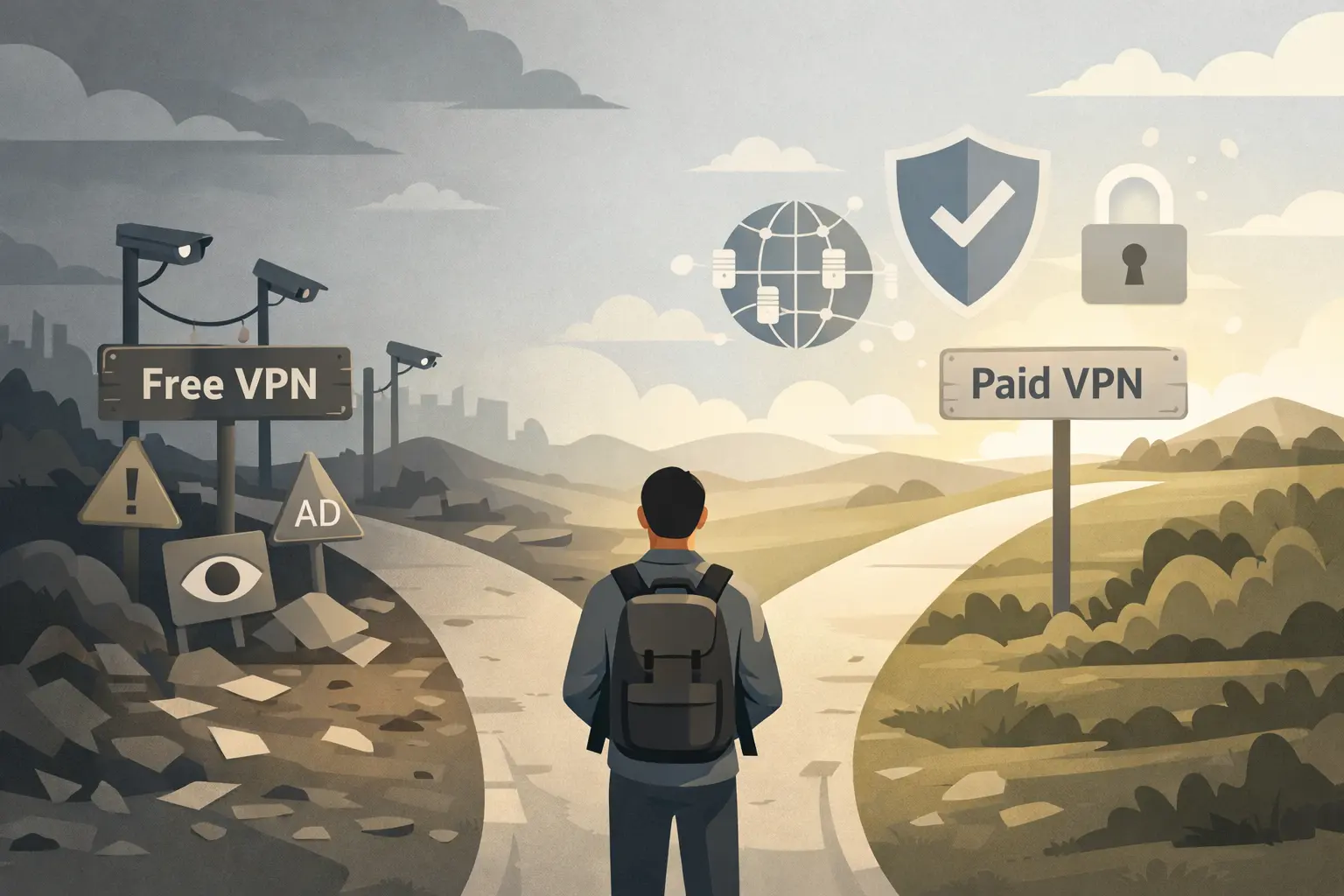
VPN usage has become mainstream enough that “free vs paid” is one of the most common questions people search before picking one — and the honest answer is more nuanced than “always pay” or “free is fine.” Here’s a genuinely practical breakdown of what you give up with free VPNs, and when a paid one actually earns its cost.
In this article
- How Free VPNs Actually Make Money
- What You Typically Give Up With Free VPNs
- When a Free VPN Is Genuinely Fine
- When Paying for a VPN Actually Matters
- What to Check Before Paying for a VPN
- VPNs Aren’t a Complete Privacy Solution
- Red Flags to Watch For in Any VPN, Free or Paid
- VPN Speed Expectations: What’s Normal?
- Quick FAQ
- The Bottom Line
How Free VPNs Actually Make Money
This is the question worth asking before using any free VPN: if you’re not paying with money, what are you paying with? Some free VPNs are genuinely funded by a paid tier upsell with reasonable limits. Others have been documented logging and selling user browsing data — the exact privacy violation a VPN is supposed to prevent. The FTC’s guidance on VPN privacy practices is a useful starting point for understanding what to check before trusting any VPN provider, free or paid, with your traffic.
- 100% free
- Call direct
- Voice search
- Urdu & English
What You Typically Give Up With Free VPNs
Beyond the privacy question, free VPN tiers usually come with real functional limitations: data caps that make streaming or large downloads impractical, a much smaller selection of server locations, and — critically — meaningfully slower speeds, since free users are typically deprioritized behind paying customers on shared server infrastructure. Some free VPNs also inject ads directly into browsing traffic, which is its own privacy and security concern beyond simple inconvenience.
 Also readHow to Free Up Disk Space on Windows 11: 12 Safe Ways I Use on Every PC
When a Free VPN Is Genuinely Fine
For occasional, low-stakes use — briefly accessing region-locked content once, or basic privacy on public WiFi for casual browsing — a reputable free VPN with a clear, transparent privacy policy and no history of data-selling controversies is a reasonable choice. The key word is reputable: research the specific provider’s history rather than picking blindly from an app store search. Our Free vs Paid Password Manager comparison covers a similar free-vs-paid decision framework for a related privacy tool.
When Paying for a VPN Actually Matters
Paid VPNs earn their cost clearly in a few specific situations: regular streaming or large file transfers where speed and reliability matter, frequent use on public WiFi where consistent security matters more than occasional convenience, working with sensitive personal or financial information while traveling, or needing reliable access to a wide range of server locations rather than a limited free-tier selection.
What to Check Before Paying for a VPN
- Independently audited no-logs policy — a VPN claiming “no logs” without third-party verification is a claim, not a guarantee
- Jurisdiction the company operates under, since some countries have data retention laws that override a VPN’s own privacy policy
- Kill switch functionality, which cuts internet access if the VPN connection drops, preventing accidental unprotected browsing
- Simultaneous device limits, which vary significantly between providers and affect real value for a household with multiple devices
- Actual speed test results from independent reviewers, not just the provider’s own marketing claims
VPNs Aren’t a Complete Privacy Solution
It’s worth being realistic about what a VPN actually does: it hides your traffic and location from your internet provider and networks you connect through, but it doesn’t make you anonymous online, doesn’t protect against malware, and doesn’t stop websites from tracking you through cookies, browser fingerprinting, or logged-in accounts. A VPN is one part of a broader privacy approach, not a complete solution on its own.
Red Flags to Watch For in Any VPN, Free or Paid
A few warning signs are worth taking seriously regardless of price: vague or missing privacy policies, no clear company ownership information, a history of documented data breaches or selling user data, and unusually aggressive upsell tactics within a free app. The FTC’s VPN guidance outlines several of these red flags in more detail for anyone comparison-shopping.
VPN Speed Expectations: What’s Normal?
Some speed reduction when using any VPN is normal and expected — your traffic is being routed through an additional server and encrypted, which inherently adds some overhead. A well-optimized paid VPN typically reduces speed by a modest, often barely noticeable amount on a good connection, while poorly optimized or overloaded free VPN servers can cut speeds dramatically, sometimes by more than half.
If you’re experiencing severe slowdowns, trying a different server location closer to your actual location often helps, since routing traffic through a distant server adds more latency than a nearby one. This applies to both free and paid VPNs, though paid services typically offer more server location options to choose from.
Quick FAQ
Is it illegal to use a VPN? VPN use is legal in most countries, though a small number of countries restrict or ban VPN use. Check local regulations if you’re traveling somewhere with known internet restrictions, since laws vary meaningfully by country.
Can my internet provider see what I’m doing if I use a VPN? Your provider can see that you’re connected to a VPN and the amount of encrypted traffic, but not the content or specific sites you’re visiting through it, which is the core privacy benefit a VPN provides.
Does a VPN protect me from all online tracking? No — it hides your IP address and location, but websites can still track you through cookies, account logins, and browser fingerprinting regardless of VPN use.
The Bottom Line
Free VPNs aren’t automatically bad, but they require more careful vetting than paid options, since a VPN’s entire value proposition depends on trusting the provider with your traffic. For occasional, low-stakes use, a reputable free option is reasonable; for regular use, sensitive data, or reliable performance, paying for a well-reviewed VPN is genuinely worth it rather than a marketing-driven upsell. For more software comparisons, browse our Apps & Software category.