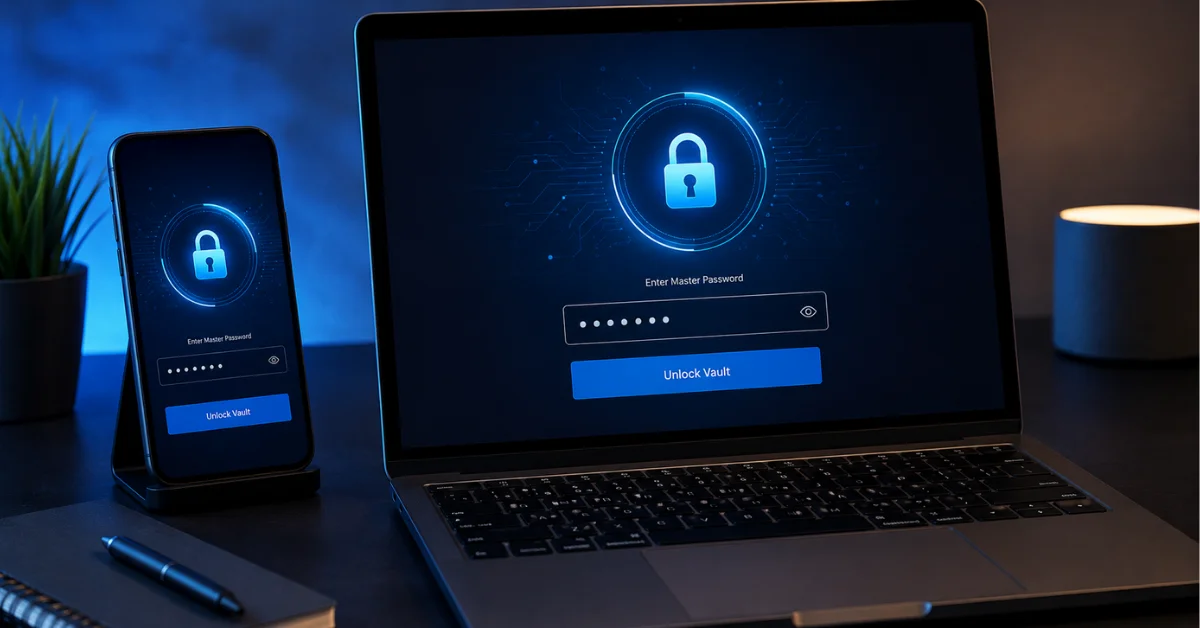
Password managers have gone from a niche security-enthusiast tool to something close to a baseline necessity — the average person now has dozens of accounts, and reusing passwords across them remains one of the most common ways accounts get compromised. Here’s what actually separates the best password managers in 2026, beyond basic password storage.
In this article
- Why Password Reuse Remains the Biggest Real-World Risk
- Best Overall Password Manager
- Best Free Password Manager
- Best for Families
- Best for Built-In Security Auditing
- Password Managers vs. Browser-Built-In Password Saving
- What to Check Before Choosing
- A Word on Master Password Security
- What Happens If a Password Manager Itself Gets Breached?
- Quick FAQ
- The Bottom Line
Why Password Reuse Remains the Biggest Real-World Risk
Data breaches happen constantly, and when a breach exposes your password on one site, attackers immediately test that same email-and-password combination against major banking, email, and shopping sites — a technique called credential stuffing. A password manager’s core value isn’t convenience, it’s making unique passwords for every account practically feasible, which is the single most effective defense against this specific, extremely common attack. Have I Been Pwned lets you check whether your own email has appeared in known breaches, which is worth doing regardless of which password manager you choose.
- 100% free
- Call direct
- Voice search
- Urdu & English
Best Overall Password Manager
The strongest all-around options combine reliable cross-platform syncing, a genuinely usable browser extension with accurate auto-fill, and secure sharing features for passwords you need to share with family or a household. Look specifically for zero-knowledge encryption architecture, meaning even the company itself cannot access your stored passwords — this should be a baseline requirement, not a premium feature.
 Also readHow to Free Up Disk Space on Windows 11: 12 Safe Ways I Use on Every PC
Best Free Password Manager
Several genuinely capable free tiers exist, though most cap either the number of saved passwords, the number of synced devices, or advanced features like secure sharing. For a single-device or single-platform user, a free tier is often perfectly sufficient. Our Free vs Paid VPN comparison covers a similar decision framework for a related privacy tool if you’re evaluating your broader security app stack.
Best for Families
Family-focused password managers add secure password sharing between household members, shared vaults for common accounts (streaming services, utilities), and sometimes parental oversight features for managing a child’s account security. This is a meaningfully different use case from individual password management, and dedicated family plans are usually better value than separate individual subscriptions.
Best for Built-In Security Auditing
Beyond basic storage, the most useful password managers actively flag weak, reused, or breach-exposed passwords and prompt you to update them — turning password management from a passive storage tool into an active security improvement process. This feature genuinely matters more than most people realize, since most users’ worst password habits are years old and easy to forget about without a prompt.
Password Managers vs. Browser-Built-In Password Saving
Browser-native password managers (built into Chrome, Safari, Edge) have improved significantly and are a real improvement over no password manager at all, but dedicated password manager apps generally offer stronger security architecture, better cross-browser and cross-platform support, and more robust auditing features. If you’re currently relying solely on browser-saved passwords, upgrading to a dedicated app is a meaningful security improvement, not just a convenience one. Our Best Productivity Apps roundup covers several other app categories worth evaluating with the same scrutiny.
What to Check Before Choosing
- Zero-knowledge encryption — verify the provider genuinely cannot access your stored passwords, not just claims strong encryption generally
- Two-factor authentication support for the password manager account itself, which is critical since it’s effectively a master key to everything else
- Cross-platform support matching your actual devices — check specifically, don’t assume universal compatibility
- Emergency access or account recovery options, in case you’re ever locked out of your own vault
- Company’s security track record and any history of past breaches or how they were handled
A Word on Master Password Security
Your password manager is only as secure as its master password — this is the one password you genuinely need to memorize rather than store anywhere, and it should be long, unique, and not reused from any other account. Many password managers now support biometric unlock (fingerprint or face recognition) as a convenience layer, but the underlying master password remains the true security foundation and should never be weak just because biometric unlock makes daily access more convenient.
What Happens If a Password Manager Itself Gets Breached?
This is a fair concern, and it’s worth understanding how zero-knowledge architecture addresses it: even if a password manager company’s servers are breached, properly implemented zero-knowledge encryption means attackers gain only encrypted data they cannot read without your master password, which the company never stores. This is precisely why choosing a provider with genuine, audited zero-knowledge architecture — not just marketing language claiming strong security — matters more than almost any other factor.
That said, no system is perfectly risk-free, which is why enabling two-factor authentication on your password manager account itself, and choosing a genuinely strong, unique master password, remain essential regardless of which specific provider you choose.
Quick FAQ
What happens if I forget my master password? This varies by provider — some offer account recovery options, while others’ zero-knowledge architecture means a forgotten master password results in permanent loss of vault access. Check your specific provider’s recovery policy before relying on it.
Can I use a password manager without an internet connection? Most modern password managers cache your vault locally and work offline for accessing existing passwords, syncing changes once connectivity returns.
Should I use my browser’s built-in password manager alongside a dedicated app? Generally no — running both creates confusion about which is storing the current password, and can lead to using outdated saved passwords. Pick one as your primary manager.
The Bottom Line
A password manager in 2026 is close to a baseline security necessity rather than an optional convenience tool, given how routinely account credentials leak in breaches. Prioritize zero-knowledge encryption, genuine cross-platform support for your specific devices, and built-in security auditing over flashy extra features. For more app and software comparisons, browse our Apps & Software category.