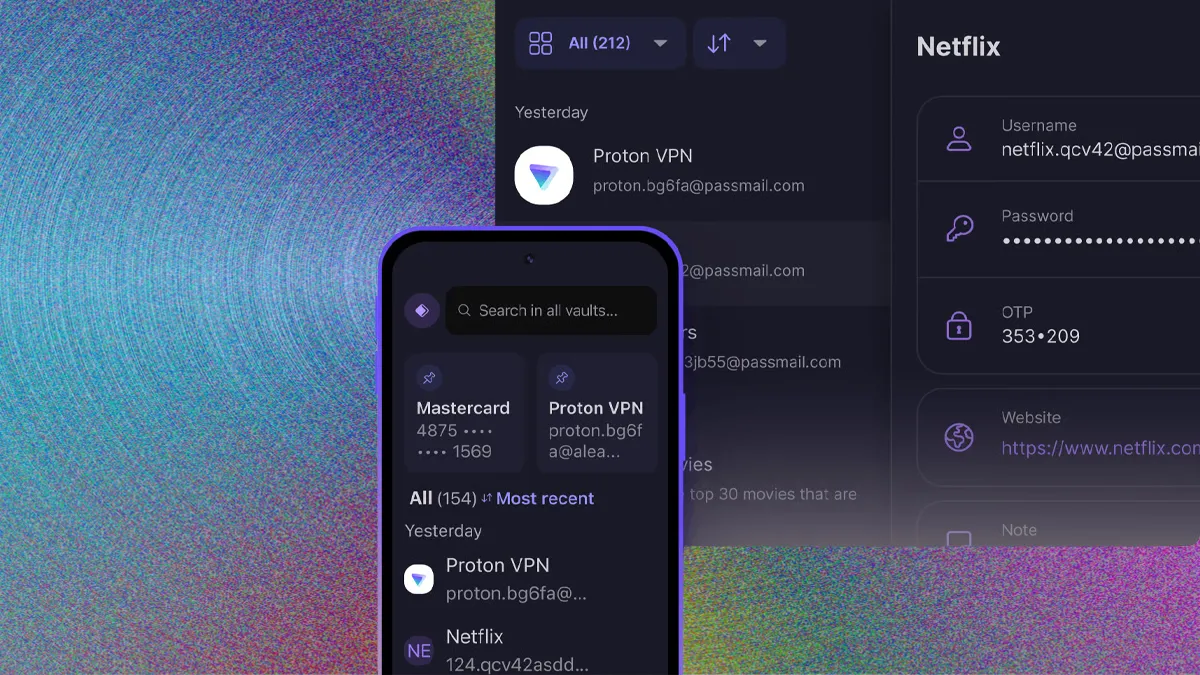
I ran five password manager apps side by side on the same devices for two weeks to find out if the paid ones are actually worth it over the free options built into browsers. Our Free vs Paid VPN 2026 guide covers a similar free-versus-paid decision for a related security tool.
In this article
- Why Browser-Built-In Password Saving Isn’t Quite Enough
- Where the Free Tier of a Dedicated App Earns Its Place
- What Actually Justified the Paid Upgrade for Me
- Master Password Strength Matters More Than Which App You Pick
- Biometric Unlock: Convenient, With a Real Tradeoff
- What I’d Actually Recommend Based on This Test
- Switching Managers: Easier Than It Sounds
- Family and Team Sharing: Where the Differences Really Show
- What Happens If the Company Itself Gets Breached
- The Bottom Line
Why Browser-Built-In Password Saving Isn’t Quite Enough
Chrome, Safari, and Edge all save passwords now, and for very basic use that’s genuinely fine. Where it falls short is cross-platform syncing when you mix browsers or devices, secure sharing with family or teammates, and features like breach monitoring that alert you when a saved password shows up in a known data leak — none of which built-in browser saving handles well.
- 100% free
- Call direct
- Voice search
- Urdu & English
Where the Free Tier of a Dedicated App Earns Its Place
Several dedicated password managers offer genuinely usable free tiers — unlimited password storage, autofill, and basic sync — with the paid upgrade adding things like secure file storage, family sharing, and dark web monitoring. the National Institute of Standards and Technology’s password guidance is worth a look if you want the actual technical reasoning behind why unique, manager-generated passwords matter more than most people realize.
 Also readHow to Free Up Disk Space on Windows 11: 12 Safe Ways I Use on Every PC
What Actually Justified the Paid Upgrade for Me
Two features made the paid tier worth it in my testing: breach monitoring that proactively flagged three old accounts using a password that had appeared in a leak, and secure sharing that let me share a streaming login with family without ever revealing the actual password to them. Neither is essential, but both genuinely reduced small daily friction and one real security risk.
Master Password Strength Matters More Than Which App You Pick
Every password manager’s security ultimately rests on one thing: your master password. A weak or reused master password undermines the entire point of using a manager at all, since it becomes the single key to everything stored inside. Using a genuinely long, unique passphrase for this one password — and enabling two-factor authentication on the manager itself — matters more than which specific app you choose.
Biometric Unlock: Convenient, With a Real Tradeoff
Fingerprint or face unlock for your password manager is undeniably convenient, but it’s worth understanding this typically unlocks a locally cached version of your vault rather than requiring your full master password every time. a technical breakdown of biometric authentication security is worth reading if you want to understand this tradeoff before relying on biometrics as your primary unlock method.
What I’d Actually Recommend Based on This Test
- Start with a free tier from a reputable, well-reviewed password manager rather than relying purely on browser-saved passwords
- Upgrade specifically if you want breach monitoring, family sharing, or secure document storage
- Invest real effort into a strong, unique master password — this matters more than any other single decision
- Enable two-factor authentication on the password manager account itself, not just the accounts it stores
Switching Managers: Easier Than It Sounds
If you’re already using one password manager and considering switching, most offer straightforward CSV export/import between services, meaning you don’t lose your saved passwords in the process. It’s worth deleting the exported CSV file securely afterward, though, since it sits as plain, unencrypted text during the transfer.
Family and Team Sharing: Where the Differences Really Show
Sharing logins with family members or a small team is where password managers diverge most in actual usability. Some let you share individual passwords without ever revealing the underlying text, while others require sharing entire vaults or folders, which is far less granular and increases exposure if one family member’s device is compromised. If shared access is a real use case for you, testing this specific workflow before committing to a paid annual plan is worth the extra ten minutes.
What Happens If the Company Itself Gets Breached
Password managers are high-value targets precisely because they concentrate so many credentials in one place, which makes a company’s own security architecture worth understanding before trusting it. Reputable providers use a zero-knowledge architecture, meaning even the company itself cannot read your stored passwords, since encryption and decryption happen locally on your device using a key derived from your master password. a technical explainer on zero-knowledge encryption architecture is worth a read if you want to understand exactly what this protects against, and what it doesn’t.
The Bottom Line
After two weeks testing five password managers side by side, the free tiers of reputable dedicated apps meaningfully beat browser-only saving, and the paid upgrade earns its cost specifically through breach monitoring and secure sharing rather than dramatically better core security. For more security and software comparisons, browse our Apps & Software category.