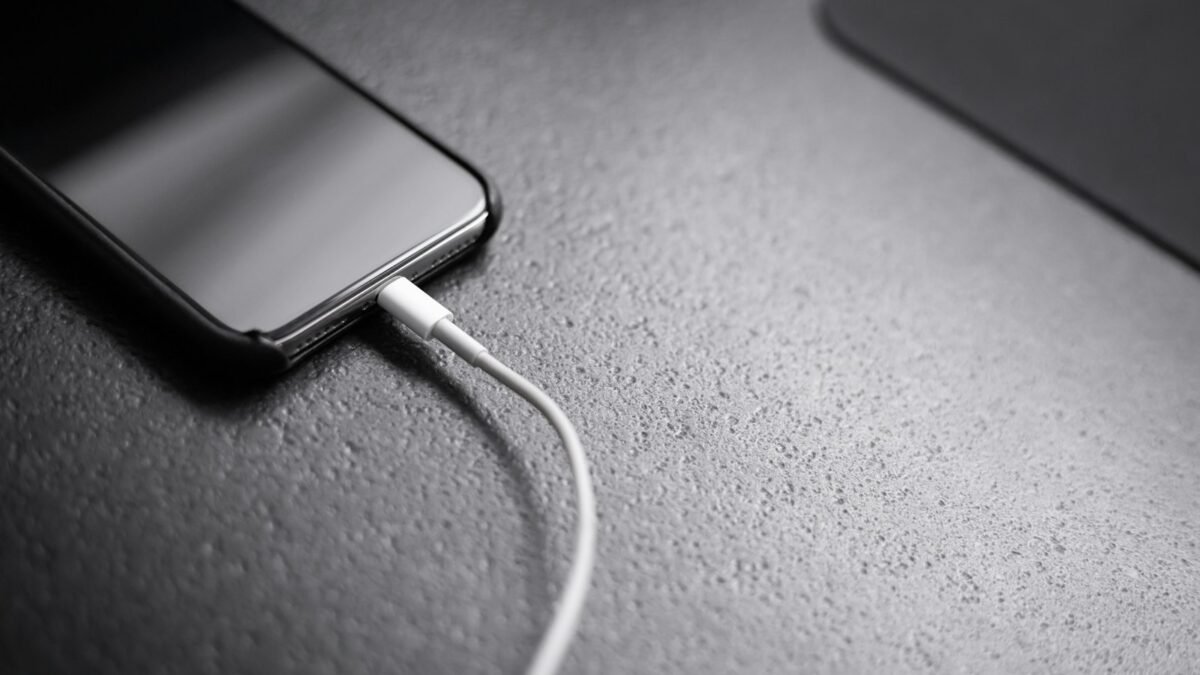
A phone that feels warm on the charger is normal. A phone that gets uncomfortably hot, shows a temperature warning or stops charging halfway is not. Heat is the number one enemy of lithium-ion batteries, and a phone that regularly cooks itself while charging will lose battery capacity much faster than one that stays cool.
The good news is that most charging heat comes from a short list of causes, and nearly all of them are easy to fix. Here’s how to tell normal warmth from a real problem, followed by nine fixes that work on both Android and iPhone.
In this article
Is It Normal for a Phone to Get Warm While Charging?
Yes, to a point. Charging pushes energy into the battery, and no charging process is 100% efficient. Some of that energy becomes heat. Fast charging makes this more noticeable because more power flows in a shorter time, especially during the first 50% or so.
 Also readNot Receiving Texts on Android? 10 Fixes I Try, in This Order
As a rough guide:
- Warm to the touch: normal, especially with fast or wireless charging
- Hot enough to be uncomfortable to hold: worth fixing
- Temperature warning, charging paused or the phone shutting down: stop charging, let it cool and work through the fixes below
- Swelling, bulging screen, burning smell or hissing: unplug immediately, stop using the phone and get the battery checked
Apple’s own guidance on iPhone operating temperatures notes that the phone may slow or stop charging when it gets too warm, which is a protective feature rather than a fault.
Why Phones Overheat on the Charger
Most cases come down to one or more of these:
- Using the phone heavily, such as gaming, video calls or navigation, while it charges
- A thick case trapping heat
- Charging on a bed, sofa or pillow that blocks airflow
- Hot rooms, direct sunlight or a car dashboard
- Cheap or damaged cables and chargers
- Wireless chargers with poor alignment
- Background apps stuck in a loop
- An ageing battery
9 Fixes for a Phone That Overheats While Charging
1. Stop Using It While It Charges
This is the biggest single fix. Gaming or streaming while charging means the processor and battery are both generating heat at the same time. Give the phone a break for the first 20–30 minutes of a charge, which is when fast charging runs hardest, and it will run noticeably cooler.
2. Take the Case Off
Thick rugged cases and leather wallets act like a blanket. If your phone gets hot on the charger, try charging it without the case for a few days. If the heat drops, either charge case-off or switch to a thinner case.
3. Charge on a Hard, Cool Surface
Beds and sofas trap heat underneath the phone. A wooden desk, table or bedside shelf lets heat escape. Keep the phone out of direct sunlight and never charge it on a car dashboard in summer.
4. Use a Good Cable and Charger
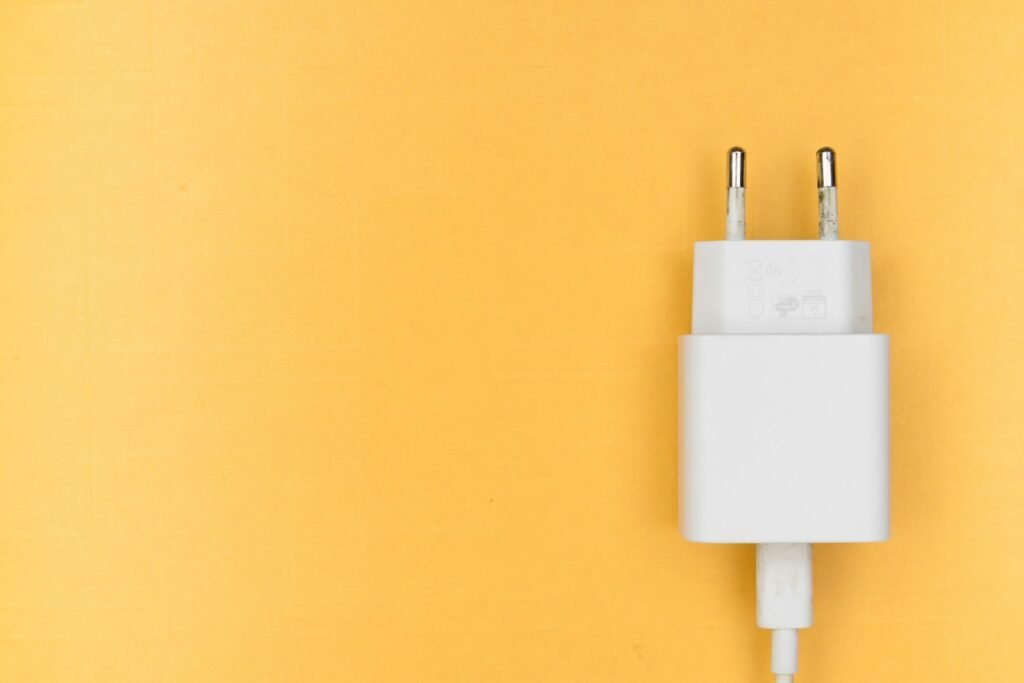
Unbranded chargers can deliver unstable power, and frayed cables can heat up at the connector. Use the charger that came with the phone, or a certified one from a reputable brand that supports your phone’s charging standard, such as USB Power Delivery for iPhones and most modern Android phones. Check the cable ends for scorch marks or bent pins, and replace anything that looks damaged.
5. Clean the Charging Port
Pocket lint packed into the port causes a poor connection, which can create resistance and heat. Power the phone off and gently remove debris with a wooden toothpick or a soft brush. Never use metal pins, and don’t blow into the port, because moisture makes things worse.
6. Turn Off Fast Charging Overnight
If you charge overnight, you don’t need maximum speed. Many Android phones let you turn off fast charging or enable a battery-protect mode that limits charge to 80–85%. On iPhone, Optimized Battery Charging (Settings → Battery → Charging) learns your routine and holds the charge at 80% until shortly before you wake up. Slower charging means less heat.
7. Fix Wireless Charging Alignment
Wireless charging is less efficient than cable charging and naturally runs warmer. Misalignment makes it worse, because the coils work harder and waste more energy as heat. Center the phone on the pad, use a pad with a built-in fan if you charge wirelessly every night, or switch to a cable when the room is hot.
8. Close Runaway Apps and Update Software
Sometimes the heat isn’t from charging at all. An app stuck in a loop, such as a sync that never finishes or a buggy game running in the background, can keep the processor busy. Check battery usage in Settings to see which app is draining power, force-close it, and install any pending system and app updates. Many overheating bugs get patched quietly.
9. Check Battery Health
Older batteries have higher internal resistance and run hotter. On iPhone, go to Settings → Battery → Battery Health. On Samsung, open the Samsung Members app and run the battery diagnostic. Many other Android phones show battery health under Settings → Battery. If capacity has dropped well below 80%, or the phone overheats even with all the fixes above, a battery replacement is usually cheaper than a new phone.
What Not to Do
- Don’t put the phone in the fridge or freezer. Rapid temperature changes can cause condensation inside the device.
- Don’t keep charging a hot phone. Unplug it and let it cool to room temperature first.
- Don’t charge a swollen battery. Ever.
- Don’t cover it with a pillow to “muffle” the charging light at night.
Does Heat Really Damage the Battery?
Yes. Lithium-ion batteries age faster at high temperatures, and the combination of heat and a high state of charge is especially hard on them. That’s why manufacturers added features like optimised charging and 80% limits. A phone that sits at 100% on a hot nightstand every night will usually show reduced battery health sooner than one charged cool and slow.
If your battery is already draining fast, our guide to fixing phone battery drain covers the settings that make the biggest difference. And if your phone is also short on space, see why storage stays full after deleting apps.
Frequently Asked Questions
Is it safe to use my phone while it’s charging?
Light use, such as messages and browsing, is fine with a quality charger. Heavy gaming or long video calls while fast charging is what pushes temperatures up.
Why does my phone stop charging at 80%?
That’s usually a battery-protection feature, not a fault. Optimised charging holds at 80% to reduce wear, and some phones pause charging when they get too warm.
Is wireless charging worse for heat?
It generally produces more heat than a cable because it’s less efficient. It’s still safe, but if heat is a problem, a cable is the cooler option.
When should I take my phone for repair?
If it overheats even when idle, the battery is swollen, or it gets hot with multiple chargers and cables, get it checked. These point to a battery or hardware fault.
The Bottom Line
A warm phone on the charger is normal. A hot one usually has a simple cause: heavy use while charging, a thick case, a soft surface, a poor charger or an ageing battery. Work through the fixes above and most phones settle into a comfortable temperature. Your battery will last longer, too. For more phone fixes, browse our Smartphones section.