
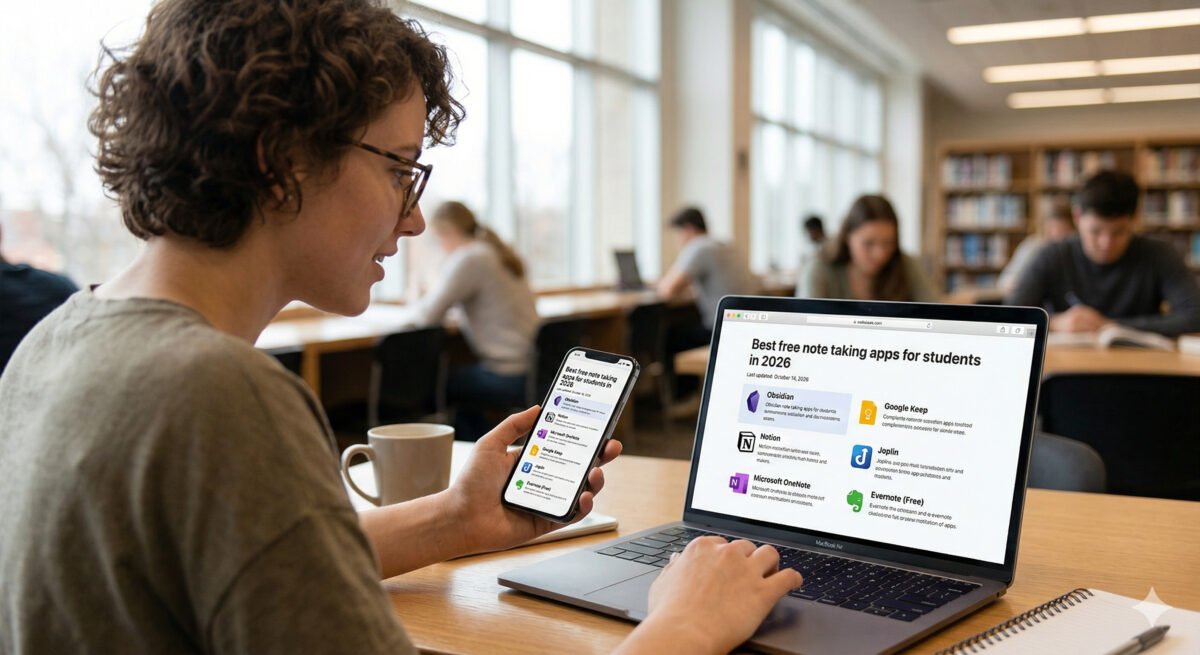
There’s no single “best” note-taking app — just the one that fits how you actually study. The right choice for the best note-taking apps for students search depends on whether you need instant capture, handwritten lecture notes, a connected personal knowledge base, or a free notebook that just works. Here’s how the top options actually compare in 2026.
In this article
- Quick Picks by Use Case
- Notion: The Default Campus Organizer
- OneNote: The Free School Standard
- Obsidian: Best for STEM and Connected Thinking
- GoodNotes and Notability: Best for Handwritten Notes
- A Practical Setup: Mixing Tools by Task
- Syncing and Backing Up Your Notes
- AI Features Worth Actually Using
- A Privacy Note Worth Knowing
- Frequently Asked Questions
- Final Thoughts
Quick Picks by Use Case
- All-in-one organizer: Notion — notes, tasks, and class templates in one workspace; free with a .edu email on the Plus plan.
- Free Microsoft-ecosystem pick: OneNote — a broad, free, multi-subject notebook with strong handwriting support.
- iPad handwriting for STEM: GoodNotes — indexes handwriting with OCR, ideal for math and diagram-heavy notes.
- Local knowledge base: Obsidian — Markdown files stored on your device with powerful linking between notes, though it has a real learning curve.
- Lecture recording: Notability — syncs recorded audio directly with your written notes.
- Apple-only simplicity: Apple Notes or Bear — clean, zero-setup, synced across iPhone, iPad, and Mac.
Notion: The Default Campus Organizer
Notion has become one of the most common note apps on campus in 2026, largely because a .edu email unlocks the Plus plan free — unlimited blocks, file uploads, and full page history included. Its database-driven structure makes it strong for students who want one place to track syllabi, deadlines, group projects, and daily notes together, rather than juggling separate apps for each.
- 100% free
- Call direct
- Voice search
- Urdu & English
OneNote: The Free School Standard
If your school already runs on Microsoft 365, OneNote is usually the path of least resistance — free, cross-platform, and built around a familiar multi-subject binder structure with solid handwriting support built in. It lacks Notion’s database flexibility, but for straightforward class notes it remains one of the most dependable free options available.
 Also readHow to Free Up Disk Space on Windows 11: 12 Safe Ways I Use on Every PC
Obsidian: Best for STEM and Connected Thinking
Obsidian stores notes as local Markdown files and lets you build links between them, creating a network of connected ideas rather than a simple folder hierarchy — genuinely useful for STEM subjects full of interconnected theories. The tradeoff is a steeper learning curve than any other app on this list; it rewards students willing to invest setup time with a personal knowledge base that gets more valuable the longer you use it.
GoodNotes and Notability: Best for Handwritten Notes
For iPad users, GoodNotes and Notability remain the strongest dedicated handwriting apps, particularly for math, chemistry, and other subjects where diagrams and equations don’t translate well to typed text. GoodNotes’ OCR indexing means you can search your own handwriting later, while Notability’s standout feature is syncing recorded lecture audio directly to the point in your notes where you wrote it — tap a note, hear that exact moment of the lecture again.
A Practical Setup: Mixing Tools by Task
Most students in 2026 don’t rely on a single app — they split by task. A common, effective setup: iPad plus stylus with GoodNotes or Notability for live lecture capture, paired with a typed app like Notion, OneNote, or Obsidian for reading notes, project documentation, and synthesis afterward. Handwriting captures live information faster; typed notes are easier to search, back up, and reorganize later.
If you’re managing coursework alongside other software on a new laptop, our guide on best AI-powered laptops for 2026 covers picks well-suited to running note apps, browser tabs, and coursework simultaneously without slowdown.
Syncing and Backing Up Your Notes
Whichever app you choose, confirm how it handles sync and backup before you commit a full semester of notes to it. Cloud-synced apps (Notion, OneNote, Apple Notes) update automatically across devices but depend on an internet connection for the latest version. Obsidian’s local-file approach means your notes live on your device by default, so pairing it with a cloud backup folder (iCloud, Google Drive, Dropbox) is worth setting up manually from day one rather than after losing something to a hardware failure.
AI Features Worth Actually Using
Most major note apps have added AI features in 2026, but not all of them are equally useful day to day. Auto-summarization of long lecture notes, AI-generated flashcards from existing notes, and smart search that understands questions rather than just keyword matches tend to save real time. Auto-generated outline suggestions and AI-written full notes from audio, on the other hand, are worth treating with some caution — they’re convenient for a first pass, but relying on them entirely skips the active recall benefit that taking your own notes provides in the first place.
A Privacy Note Worth Knowing
If you’re using AI-powered note apps for group work, be mindful about what goes into shared or cloud-synced notes — study-group transcripts or peer feedback saved in a commercial note app can raise privacy concerns for classmates who didn’t consent to it being stored there. When in doubt, keep sensitive group information out of any tool with cloud AI processing enabled by default.
Frequently Asked Questions
Is Notion really free for students? Yes — Notion’s Plus plan (normally paid) is free with a verified .edu email address, including unlimited blocks and file uploads.
Which app is best for math and STEM notes? GoodNotes and Obsidian both work well for STEM — GoodNotes for handwritten equations and diagrams, Obsidian for linking interconnected concepts and theories.
Do I need a paid app to take good notes? No — OneNote, Apple Notes, and Notion’s free tier (or .edu Plus plan) cover the core needs of most students without any payment required.
Final Thoughts
Choosing a note-taking app matters less than actually using it consistently. Start with a free option that matches your primary study style — OneNote or Notion for typed notes, GoodNotes for handwriting — and only add a second tool once you’ve felt a specific gap in your workflow. For more software picks and productivity guides, browse the Apps & Software section on DailyTechReview.
