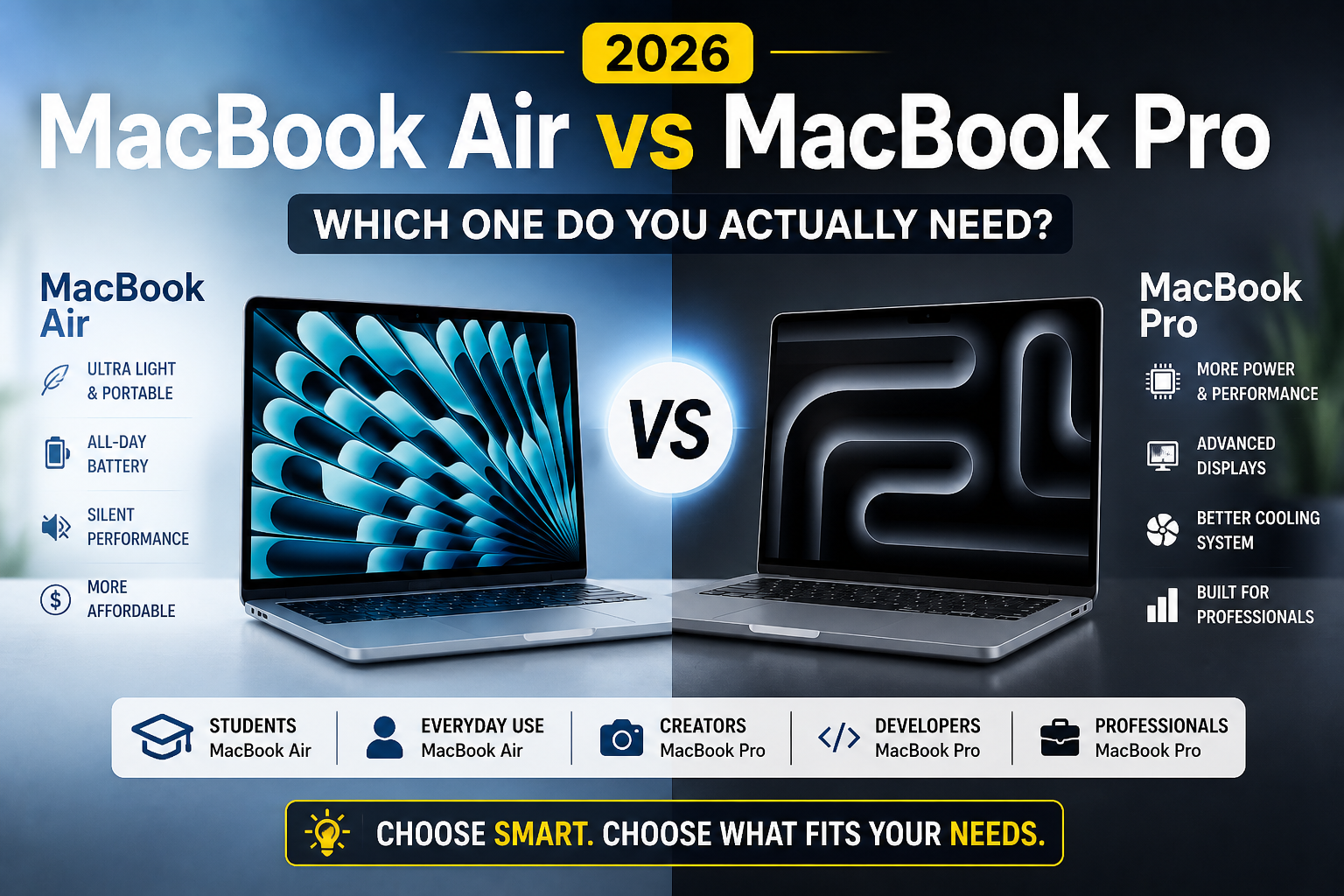
Choosing between a MacBook Air and MacBook Pro comes down to a genuinely simple question most buyers overthink: do you actually need the Pro’s extra performance, or would it mostly sit unused? Our MacBook Air M5 Review covers the current Air model in detail if you’re leaning toward the more affordable option.
In this article
- The Core Difference: Sustained Performance, Not Just Peak Speed
- Who Actually Needs the Pro’s Extra Power
- Who the Air Genuinely Serves Better
- Display and Build Differences Worth Knowing
- Battery Life: A Real Consideration
- A Practical Decision Framework
- Resale Value and Longevity Considerations
- The Bottom Line
The Core Difference: Sustained Performance, Not Just Peak Speed
Both lines now use genuinely fast Apple Silicon chips, and for short bursts of demanding work, the performance gap between Air and Pro is smaller than most buyers expect. The real difference emerges during sustained, heavy workloads — the Pro’s active cooling system lets it maintain peak performance for extended periods, while the fanless Air throttles under prolonged heavy load to manage heat. Notebookcheck’s sustained performance testing illustrates this gap clearly across extended benchmark runs, which single-moment speed tests don’t capture.
- 100% free
- Call direct
- Voice search
- Urdu & English
Who Actually Needs the Pro’s Extra Power
Video editors working with high-resolution footage, developers compiling large codebases regularly, 3D rendering and animation work, and heavy multitasking with numerous demanding apps running simultaneously are the clearest cases where the Pro’s sustained performance and superior cooling genuinely matter. For these workflows, the Air’s thermal throttling under sustained load creates real friction that the Pro avoids.
 Also readMicrophone Not Working on Windows 11? 7 Fixes That Work
Who the Air Genuinely Serves Better
For the much larger population doing web browsing, document editing, email, light photo editing, and standard office work, the Air delivers essentially the same day-to-day experience as the Pro at a lower price and lighter weight, without ever hitting the sustained-load scenarios where the performance gap actually shows up. Buying Pro-tier performance for tasks that never approach its limits is a common and unnecessary overspend.
Display and Build Differences Worth Knowing
The Pro includes a higher refresh rate ProMotion display and generally superior speakers and microphones, which matter more for content creators and anyone doing serious video calls or media consumption than for basic productivity use. The Pro’s additional ports (including a full-size SD card slot and HDMI on higher configurations) also reduce dependency on a dongle or hub, which the Air’s more limited port selection often requires. Our Best USB-C Accessories guide covers hub options if you go with the Air and need to add ports for external displays or peripherals.
Battery Life: A Real Consideration
Despite its higher performance ceiling, the Pro’s battery life is typically comparable to or only slightly behind the Air’s in real-world use, thanks to efficient chip design across the current lineup. This is one area where choosing the Pro doesn’t meaningfully cost you anything compared to the Air, assuming your budget already accounts for the price difference.
A Practical Decision Framework
- If you don’t know whether you need the Pro, you probably don’t — the Pro’s benefits are obvious to anyone who actually needs sustained heavy performance
- Consider your actual workload’s peak demands, not occasional heavy tasks that could tolerate some slowdown
- Factor in the Pro’s better display and port selection if you frequently connect external displays or peripherals, even if raw performance isn’t your primary concern
- Remember that the price difference could instead go toward more storage or RAM on the Air, which sometimes serves demanding-but-not-extreme users better than the Pro’s cooling advantage
Resale Value and Longevity Considerations
Both lines tend to hold resale value well compared to Windows laptops, but the Pro’s higher-tier specs sometimes age slightly better for buyers planning to keep their machine 5+ years, particularly for anyone whose computing needs might grow into more demanding territory over that timeframe. For buyers who upgrade every 2-3 years regardless, this longevity consideration matters less, and the Air’s lower upfront cost is harder to argue against.
The Bottom Line
The MacBook Air handles the vast majority of everyday computing tasks just as well as the Pro, with the Pro’s advantages only becoming meaningful during genuinely sustained, demanding workloads like video editing or heavy development work. Most buyers are better served by the Air’s lower price and lighter build, while the Pro remains the right choice specifically for professional creative and technical work that regularly pushes sustained performance limits.