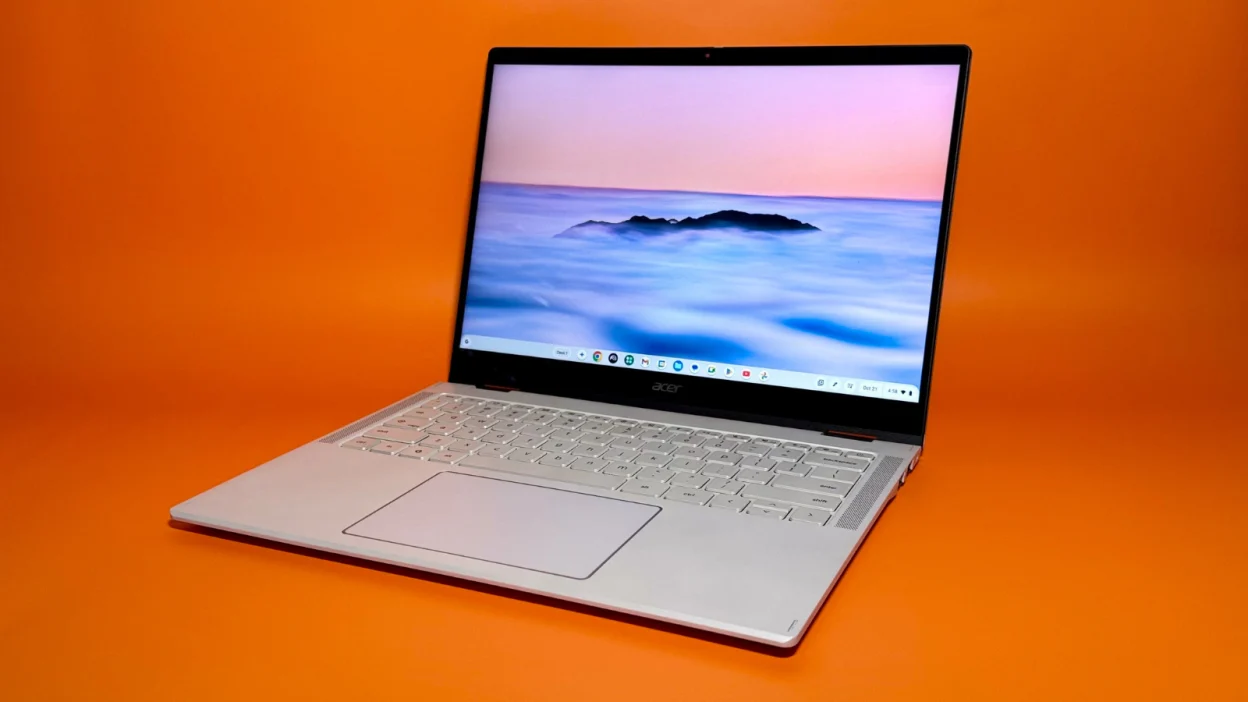
Chromebooks have quietly evolved well beyond their original reputation as bare-bones budget laptops, with current models capable of handling a genuinely broad range of everyday computing needs at consistently lower prices than comparable Windows or macOS devices. Our Best Student Laptops 2026 guide covers where Chromebooks fit specifically within student buying decisions.
In this article
- What ChromeOS Actually Does Well in 2026
- Where Chromebooks Still Fall Short
- Best for Students and Basic Productivity
- Best for Simple Home or Secondary Use
- Performance Tiers Worth Understanding
- Chromebook Plus: A Useful Quality Baseline
- Is a Chromebook Right for You?
- Security Advantages Worth Knowing
- The Bottom Line
What ChromeOS Actually Does Well in 2026
ChromeOS has matured into a genuinely capable operating system for cloud-centric, browser-based work, with strong integration across Google’s productivity suite and increasingly capable support for Android apps, giving Chromebooks access to a much broader app ecosystem than in earlier years. Google’s ChromeOS documentation outlines current supported features, which have expanded considerably from ChromeOS’s original browser-only design.
- 100% free
- Call direct
- Voice search
- Urdu & English
Where Chromebooks Still Fall Short
Offline functionality remains more limited than Windows or macOS for specialized professional software — video editing, CAD, and other resource-intensive desktop applications generally aren’t available on ChromeOS, even with Android app support. For users whose work depends on specific Windows or Mac-only software, a Chromebook simply isn’t a viable primary machine regardless of how much the platform has improved for general use.
 Also readMicrophone Not Working on Windows 11? 7 Fixes That Work
Best for Students and Basic Productivity
For coursework centered on web research, document writing, and cloud-based collaboration, Chromebooks offer genuinely excellent value — often providing better battery life and build quality per dollar than comparably priced Windows laptops, since ChromeOS’s lighter resource demands let manufacturers allocate more budget toward battery and build quality rather than raw processing power.
Best for Simple Home or Secondary Use
As a secondary, lightweight device for browsing, email, and streaming, Chromebooks offer a low-maintenance experience with automatic updates and strong built-in security, making them a genuinely good fit for less tech-savvy family members or as an uncomplicated backup device. Our Best Power Banks 2026 guide pairs well with a lightweight Chromebook setup for anyone using one primarily away from consistent outlet access.
Performance Tiers Worth Understanding
Entry-level Chromebooks with minimal RAM (4GB) handle only the lightest browsing and document work smoothly, while mid-range and premium Chromebooks with 8GB or more RAM and stronger processors handle more demanding multitasking, multiple browser tabs, and some Android app gaming comfortably. Buying based on your actual multitasking habits, rather than assuming all Chromebooks perform similarly due to the platform’s lightweight reputation, avoids a common source of buyer disappointment.
Chromebook Plus: A Useful Quality Baseline
Google’s Chromebook Plus certification tier guarantees a baseline of hardware quality — minimum RAM, processor performance, and display quality — that helps buyers avoid the weakest entry-level Chromebooks that struggle with basic modern usage. Looking specifically for this certification simplifies shopping considerably compared to comparing raw specs across dozens of individual models.
Is a Chromebook Right for You?
- Ideal if your work is primarily browser-based, cloud-document-focused, and doesn’t require specialized desktop software
- A strong secondary device choice for family members needing simple, low-maintenance computing
- Not suitable as a primary machine for creative professional work, gaming beyond casual titles, or specialized Windows/Mac-only software
- Particularly strong value for students and budget-conscious buyers whose needs align with the platform’s strengths
Security Advantages Worth Knowing
ChromeOS’s sandboxed app architecture and automatic, frequent background updates give it a genuinely strong security reputation compared to more traditional operating systems, since each app runs in isolation and the OS itself updates silently without requiring user action. For less technical users prone to skipping manual updates or falling for malware-laden downloads, this built-in security model provides meaningful protection that doesn’t depend on the user’s own vigilance.
The Bottom Line
Chromebooks in 2026 offer genuinely strong value for cloud-centric, browser-based computing needs, with the Chromebook Plus certification providing a useful quality baseline for buyers navigating a wide price range. The key to satisfaction is honest self-assessment about whether your actual computing needs fit ChromeOS’s strengths, rather than assuming a Chromebook can fully replace a Windows or Mac laptop for specialized professional work.