
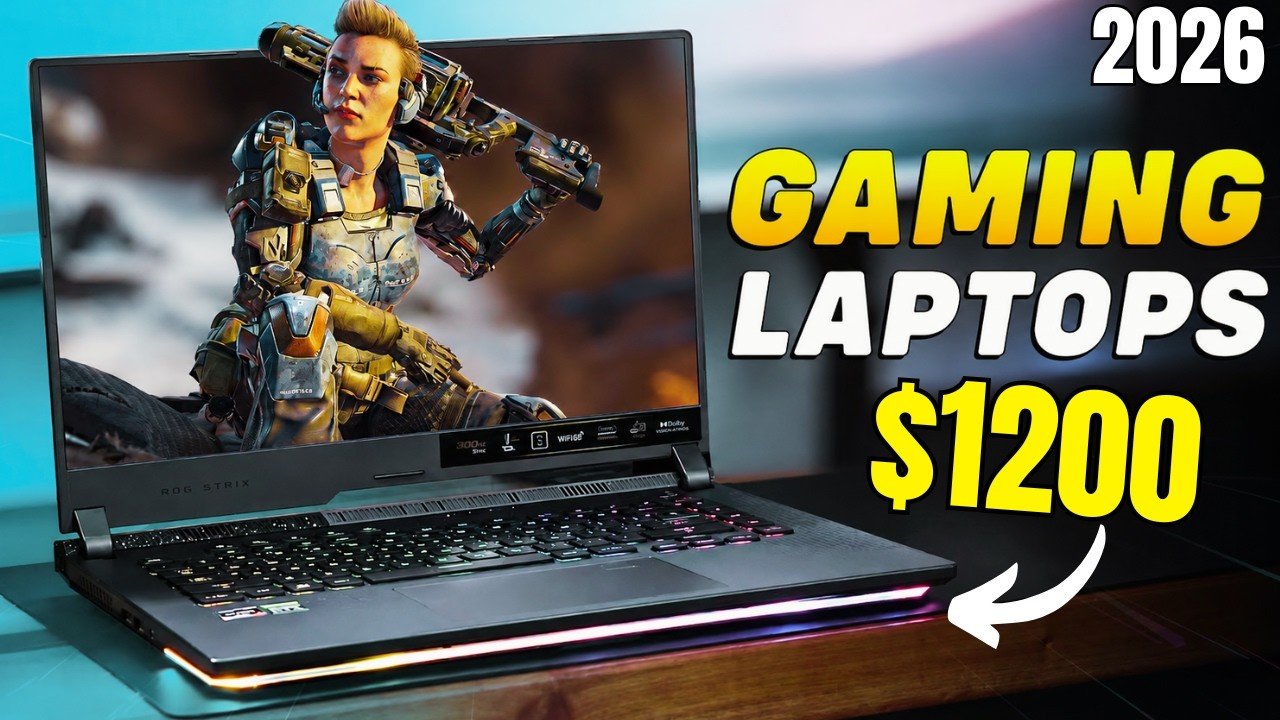
A genuinely capable gaming laptop under $1200 was a compromise a few years ago. In 2026, it isn’t — mid-range GPUs have gotten dramatically more efficient, and manufacturers have stopped treating this price bracket as an afterthought. Here’s what’s actually worth buying, and how to avoid the common traps that leave people with a laptop that games well for six months and struggles after that.
In this article
- What to Actually Look For at This Price
- Best Overall Pick
- Best for 1440p Gaming
- Best Battery Life for a Gaming Laptop
- Best Budget Pick Under $900
- Common Mistakes to Avoid
- Do You Need a Gaming Laptop, or Would a Desktop Serve You Better?
- How We’d Prioritize a Budget at This Price Point
- Real-World Performance Expectations
- Quick FAQ
- The Bottom Line
What to Actually Look For at This Price
The single biggest mistake buyers make in this bracket is prioritizing CPU specs over GPU and cooling. At $1200, the GPU is what determines whether you’re playing at 1080p high settings or medium settings with stutters two years from now. A slightly older but well-cooled GPU consistently outperforms a newer chip throttled by a cramped chassis. Notebookcheck’s GPU benchmark database is worth checking before buying, since the same GPU name can perform meaningfully differently depending on its power limit in a given laptop.
- 100% free
- Call direct
- Voice search
- Urdu & English
RAM and storage matter almost as much. 16GB of RAM is the realistic minimum for modern titles running alongside Discord, a browser, and background apps — 8GB laptops in this price range are a false economy. Storage should be at least 512GB NVMe SSD; game install sizes have grown enough that 256GB fills up embarrassingly fast.
 Also readHow to Check Laptop Battery Health on Windows and Mac (2026 Guide)
Best Overall Pick
The strongest all-around value in this bracket typically comes from laptops pairing a mid-tier current-generation GPU with a 144Hz 1080p display and genuinely adequate cooling — not the cheapest chassis a manufacturer could fit the components into. Look specifically for dual-fan cooling systems with dedicated heat pipes on both CPU and GPU, since single-fan “gaming” laptops in this range routinely throttle under sustained load.
Our full Best AI-Powered Laptops guide covers a few crossover picks that handle both gaming and on-device AI workloads reasonably well, if that’s a factor for you.
Best for 1440p Gaming
Stepping up to 1440p at this budget means accepting some setting compromises on the most demanding titles, but it’s increasingly realistic for anything mid-2020s or earlier. The key is pairing a capable GPU with a display that actually matches — a 1440p panel is wasted if the GPU can’t push meaningful frame rates at that resolution, so check third-party benchmarks for your specific titles rather than trusting marketing claims alone.
Best Battery Life for a Gaming Laptop
Gaming laptops are notoriously bad on battery, but a few models in this range manage genuinely usable unplugged time for browsing and productivity work by aggressively downclocking when not plugged in. If you need a single laptop for both class/work and gaming, prioritize models with hybrid graphics switching (using integrated graphics for everyday tasks) rather than one that runs the discrete GPU constantly.
Best Budget Pick Under $900
If your budget flexes lower, there are genuinely playable options under $900 — you’ll be trading 1440p ambitions for solid 1080p performance, but that’s a completely reasonable target for most popular titles. The biggest sacrifice at this tier tends to be build quality and display color accuracy rather than raw gaming capability, which is a fair trade for most buyers.
Common Mistakes to Avoid
- Buying based on GPU name alone without checking the specific power limit (wattage) that model ships with
- Ignoring cooling design — a thinner “gaming” laptop chassis almost always means more thermal throttling
- Underestimating RAM needs — 16GB should be the floor, not the ceiling, for a laptop you’ll keep 3+ years
- Skipping refresh rate for resolution — 144Hz at 1080p feels dramatically better in fast games than 60Hz at 1440p
- Not checking real-world battery reviews, since manufacturer-quoted battery life rarely survives actual gaming use
Do You Need a Gaming Laptop, or Would a Desktop Serve You Better?
It’s worth asking honestly before buying: if portability genuinely doesn’t matter for your situation, a desktop at the same budget will substantially outperform any laptop, since desktop components don’t face the same thermal and power constraints. Gaming laptops make the most sense specifically when you need to move between locations — dorm to home, apartment to a friend’s place — not as a default choice.
How We’d Prioritize a Budget at This Price Point
If forced to rank priorities for a $1200 gaming laptop budget: cooling and GPU power limit first, RAM and storage second, display refresh rate third, and build quality/battery life last. This ordering reflects what actually determines whether the laptop still games well in two years versus feeling obsolete within one. For a broader look at where laptop pricing sits generally, our Best Budget Laptops Under $600 guide is a useful comparison point if gaming performance isn’t your top priority.
Real-World Performance Expectations
It helps to set realistic expectations before buying: at this price, expect solid 60+ FPS 1080p performance on high settings for most popular titles, with the most demanding new releases sometimes requiring a step down to medium settings for consistently smooth frame rates. Ray tracing, where supported, usually needs upscaling technology (like DLSS or FSR) enabled to maintain playable frame rates rather than running at full native resolution with ray tracing on.
Thermal throttling under sustained load remains the most common source of disappointment with budget gaming laptops specifically — a laptop that benchmarks well in a short review test can still throttle noticeably during a two-hour gaming session once internal temperatures climb. Checking sustained-load reviews rather than short benchmark snapshots gives a more accurate picture of real day-to-day performance.
Quick FAQ
Is 8GB of VRAM enough for gaming in 2026? For 1080p gaming at this price point, yes — most current titles run comfortably on 8GB VRAM at high settings. 1440p or heavily modded titles benefit from 12GB or more, which usually means stepping up in price or GPU tier.
Should I wait for next-gen GPUs before buying? If your current laptop is still functional, waiting for a generational refresh can make sense. But GPU releases are fairly continuous now, so waiting indefinitely often means missing good deals on capable current-generation hardware without a clear payoff.
Can I upgrade RAM or storage later on a budget gaming laptop? Increasingly, no — many thin gaming laptops now solder RAM directly to the motherboard. Check upgradability specifically before buying if you plan to add RAM or storage down the line rather than assuming it’s possible.
The Bottom Line
A $1200 budget buys a genuinely capable 1080p gaming laptop in 2026, and a reasonably competent 1440p one if you’re willing to accept some setting compromises on the newest titles. Prioritize cooling and GPU power limit over marketing-driven specs, and check independent benchmarks — not manufacturer claims — before committing. For more buying guides across categories, browse our full laptops and PCs coverage.
