Android 17 QPR3 Beta 1: What’s New, What’s Fixed, and 5 Questions to Ask Before You Install

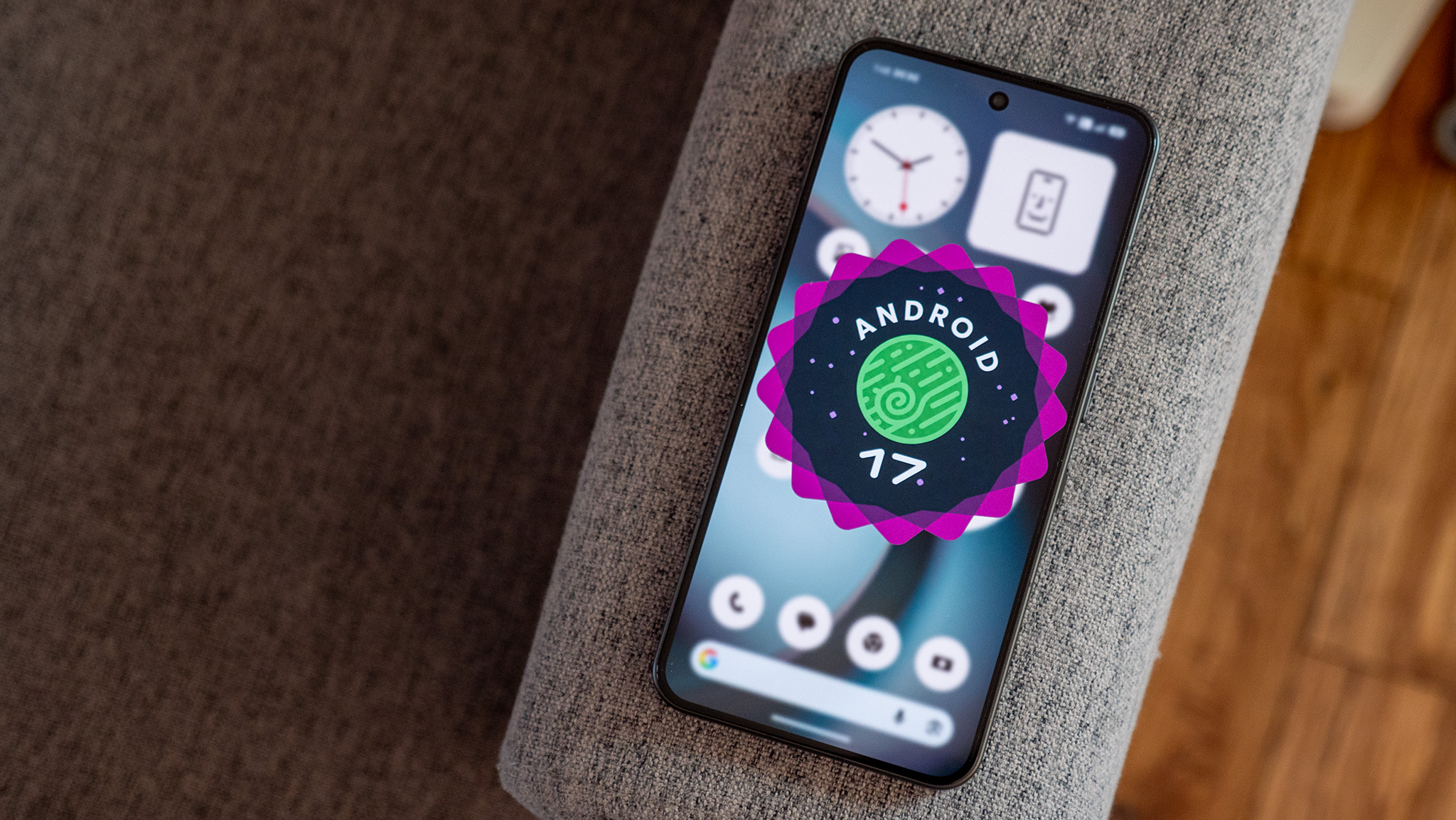
Google rolled out Android 17 QPR3 Beta 1 on October 2, 2026, opening a new preview cycle ahead of an expected stable release in March 2027. If you own a recent Pixel, the enrollment prompt is tempting. Before you tap it, it helps to know what the build changes, what it fixes, and what it could break on the phone you rely on every day. This guide covers all three, based on 9to5Google’s detailed walkthrough of the beta.
What “QPR3 Beta 1” Means
QPR stands for Quarterly Platform Release. Between each major Android version, Google ships several of these feature-and-fix updates, and each one has its own beta. QPR3 is the third in the Android 17 cycle, so this build is a preview of changes headed to the stable Android 17 line, with a stable launch expected around March 2027. Beta 1 is the first cut, which is where the roughest edges usually are.
Which Phones Can Install It?
The beta is available for a long list of Pixels: the Pixel 6a, Pixel 7 family, Pixel Tablet, Pixel Fold, the Pixel 8 and 8a, the Pixel 9 family including the Pixel 9a and 9 Pro Fold, the Pixel 10 family including the 10a and 10 Pro Fold, and the Pixel 11 family. Only enrolled, compatible Pixels receive it, and Google handles the enrollment through its Android Beta program.
What’s New in Beta 1
- A new Notes Quick Settings tile for the Pixel 11 series. The Notes lock-screen shortcut and widget were enabled for the Pixel 11 in the previous beta; the 9to5Google team noted that Notes still does not appear on a Pixel 10
- Status bar tweaks: a bolder VPN icon, a silent icon that matches the volume menu, and slightly larger Bluetooth and Airplane Mode icons. These changes first appeared in a stable release and turned out to be intentional
- The Gemini Intelligence boot animation from the Pixel 11 series now shows on a Pixel 10 after installing the beta
- A Proactive Assistance setting now appears in system Settings, above Magic Cue, which remains available; it does not appear in the Gemini app’s own settings
Most of this is small. That is typical for a QPR beta: you should not expect a major redesign, but a steady stream of polish and groundwork for features that arrive on newer hardware first.
What’s Fixed
The release notes list a long run of fixes. The ones most people will notice include:
- Audio output could not be switched while some apps were playing without active media controls
- Apps crashed when starting a foreground service from a Quick Settings tile
- The device could freeze after unlocking with the fingerprint sensor
- Face Unlock could crash when choosing the “require eyes to be open” option
- An eSIM profile could fail to enable and silently revert to off
- Idle battery drain when “Flip to Shh” was turned on
- The phone service could enter a crash loop and lose cellular service in a modem edge case
- Wi-Fi could fail to reconnect automatically in certain background wake situations
If one of those bugs has been bothering you, the fix is a reason to consider the beta. Remember, though, that new builds also bring new bugs. A fixed problem on a list does not guarantee a flawless phone.
Five Questions to Ask Before You Install
- Is this my only phone? If it is, wait for the stable release. A bug that blocks calls, banking or two-factor codes costs more than any feature gain.
- Have I backed up my photos, messages and app data? Opting out of a beta can require a full data wipe, so check Google’s current instructions first.
- Do my critical apps work on beta software? Banking, payment and work apps sometimes lag behind new Android builds.
- Do I have a second device for emergencies, such as an old phone or a tablet?
- Do I enjoy testing? Beta users are expected to report bugs, and the feedback is how fixes get made.
Who Should Install It, and Who Should Wait
| You are… | Our suggestion |
| A developer or tester with a spare Pixel | Install it and report bugs |
| An enthusiast with a backed-up daily phone | Possible, with a backup and patience |
| Someone who needs the phone for work or banking | Wait for the stable release |
| Someone who just wants fewer bugs | Wait; beta builds can add as many bugs as they remove |
How to Prepare If You Decide to Go Ahead
- Back up photos, files and app data to your account and to a computer
- Charge the phone above 50 percent and use a stable Wi-Fi connection
- Note down your two-factor authentication methods in case an app misbehaves
- Check your carrier and eSIM setup, since an eSIM bug was among the fixed issues
- Decide how long you will test; set a date to review whether to opt out
Your phone’s battery health matters here too. A beta can change power behavior, so it is worth reading our guide to phone battery habits that actually matter before you judge a beta’s battery life, and check whether your phone is worth keeping at all with our guide to deciding if an old phone is still worth keeping.
What to Expect Next
A first beta is followed by further beta releases that fix newly reported problems, and then the stable launch Google expects around March 2027. If you do not want to test, nothing changes for you today. The stable version will reach your phone through a normal update.
To enroll or leave the program, use Google’s official Android Beta program page rather than a third-party guide, since the opt-out steps and data warnings can change.
How a QPR Beta Differs From a Major Android Beta
A major Android beta, such as the first preview of a new version number, can change how the whole system looks, behaves and handles permissions. A QPR beta is gentler. It builds on the stable Android 17 release and adds features, bug fixes and security-related changes in steps. That is why the QPR3 changes look small, and why the stability risk is usually lower than a first-ever beta of a new Android version. Lower does not mean none: new code still means new bugs.
Reading Release Notes Critically
Release notes read like a promise, but they are a list of what Google chose to document. Treat the “fixed” list as a hopeful guide. If a fixed bug is the reason you are tempted, search user reports after a few days to see whether it is really gone. Also notice what is missing: a build can introduce regressions that only show up once thousands of people use it.
A Safer Way to Test
- Use an old or spare Pixel as a test phone if you have one
- Keep your main phone on stable software and your SIM or eSIM there
- Install the beta on the spare and use it for a week with your most-used apps
- Only move to your main phone if the spare has been trouble-free and you have a backup
What to Watch in the First Week
Beta builds often re-index files and apps after installing, so battery drain and a warm phone in the first day or two are common and usually settle. If heavy drain continues after three or four days, note it down along with the apps involved. Also test the basics you cannot live without: calls, texts, mobile data, your payment app and your alarm. A short daily checklist beats discovering a problem when you most need the phone.
If You Find a Bug
Beta testing works when people report problems well. Use the feedback option Google provides for the beta, describe what you were doing, what you expected and what happened, and include the exact steps to reproduce the issue. A clear report with steps is far more likely to be fixed than a note saying “battery bad”. If you see a bug already listed on Google’s issue tracker, add your details rather than starting a new report.
Frequently Asked Questions
Is Android 17 QPR3 Beta 1 safe to install?
It is an early beta, so expect bugs. It is reasonable on a spare device and risky on a phone you cannot afford to lose access to.
When will the stable version arrive?
9to5Google reports that a stable launch is expected in March 2027.
Will I lose my data if I leave the beta?
It can require a wipe depending on the build. Back up first and read Google’s current instructions.
Does it add big new features?
Not in Beta 1. The visible changes are small, such as a Notes tile for the Pixel 11, status bar icon tweaks and a new boot animation on the Pixel 10.
The Bottom Line
Android 17 QPR3 Beta 1 is a modest update with a useful list of bug fixes. If you have a spare Pixel and like testing, install it. If your Pixel is your only phone, the safest move is to wait for the stable release in early 2027.