
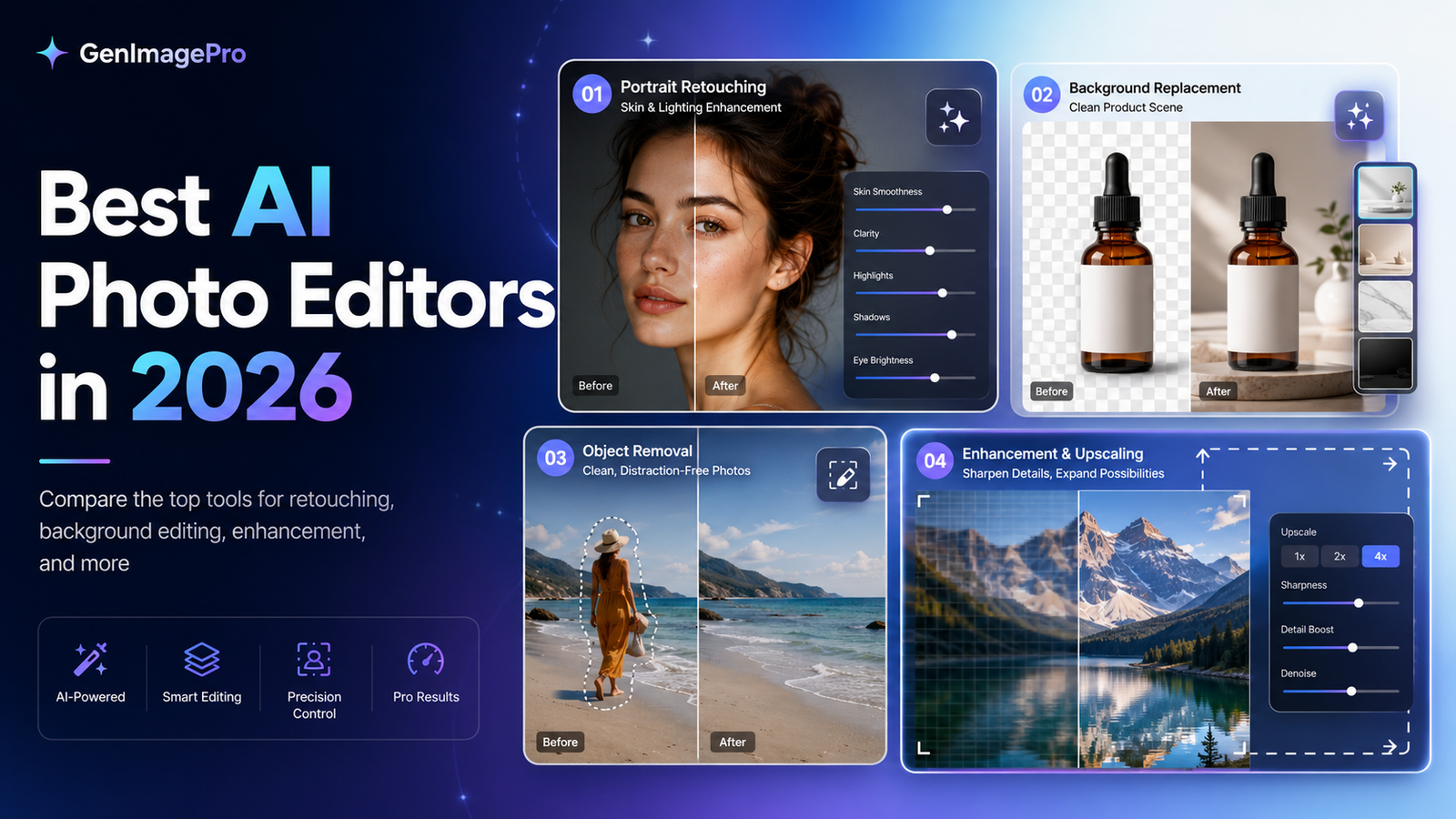
AI photo editing stopped being a gimmick somewhere around 2024, and by 2026 it’s become the default way most people touch up photos before posting them. But “AI photo editor” now covers everything from a one-tap sky replacement to genuinely powerful generative fill tools, and the gap in quality between apps is bigger than most people expect. Here’s how the major options actually compare.
What Separates a Good AI Photo Editor From a Gimmick
The real test isn’t whether an app has AI features — nearly all of them do now — it’s whether the results hold up at full resolution and under close inspection. Sky replacements, object removal, and background blur all look convincing in a shrunk-down social media preview, but artifacts and blending errors show up quickly when you zoom in. DPReview’s ongoing editing software coverage is a solid reference if you want technical breakdowns beyond marketing claims.
Speed and processing location matter too. On-device processing keeps your photos private and works without internet, but cloud-based processing generally produces noticeably better results for complex edits like generative fill, since it can run larger models than a phone or laptop can handle locally.
Best for Overall Editing Power
The most capable general-purpose AI editors combine traditional adjustment tools (exposure, color, curves) with AI-assisted object removal, sky replacement, and increasingly convincing generative fill for extending or altering backgrounds. These tend to have the steepest learning curve but produce the most professional-looking results, especially for photographers who want AI assistance without losing manual control.
Best for Quick Mobile Edits
If you’re editing primarily on a phone before posting, simplicity matters more than raw power. The strongest mobile-first options let you tap a subject, remove a distracting background element, or fix lighting in a few taps without opening a full desktop-style interface. Our Top Productivity Apps roundup covers a few crossover apps that handle both quick photo touch-ups and general task management well.
Best for Portrait and Skin Retouching
Portrait-focused AI editors have gotten remarkably good at natural-looking skin smoothing that doesn’t produce the plastic, over-processed look that gave early AI retouching a bad reputation. The best ones let you dial intensity down significantly, since subtle AI retouching consistently looks more convincing than default “maximum smoothing” settings.
Best Free Option
A genuinely capable free tier exists across most major platforms now, typically limited by export resolution, watermarks, or a cap on monthly AI-powered edits rather than by editing quality itself. For casual users who edit occasionally rather than daily, a free tier is often perfectly sufficient — the paid upgrade mainly pays off for people editing frequently enough to hit usage caps regularly.
Best for Batch Editing Large Photo Sets
If you’re processing dozens or hundreds of photos at once — from an event, a shoot, or a big trip — batch AI editing that applies consistent adjustments across a whole set saves enormous time compared to manual editing photo-by-photo. This is where desktop-class tools clearly outperform mobile apps, since batch processing at scale needs more processing power than most phones comfortably provide.
Privacy Considerations Worth Knowing
- Cloud-processed edits typically mean your photos are uploaded to a server, even temporarily — check the app’s data retention policy if that matters to you
- On-device processing keeps photos local but usually produces less impressive generative results
- Some apps use uploaded photos to train future AI models unless you explicitly opt out — this is worth checking in settings before uploading anything sensitive
- Metadata (location, device info) sometimes persists through edited exports unless explicitly stripped
How to Choose Based on Your Actual Use Case
Casual social media posting favors simple, fast mobile apps with generous free tiers. Serious photography work favors desktop-class tools with full manual control alongside AI assistance. Bulk event or product photography favors batch-processing capability above all else. For a broader look at how AI tools are reshaping everyday software, our AI Coding Assistants Tested piece covers a similar evaluation approach applied to a different category of AI tools.
A Closer Look at Generative Fill and Object Removal
Generative fill — extending a photo’s background or filling in a removed object with AI-generated content — has become the most talked-about AI editing feature, and it’s genuinely impressive on simple backgrounds like sky, grass, or plain walls. Complex backgrounds with repeating patterns, text, or fine detail remain noticeably harder for AI to fill convincingly, and results in these cases often need manual touch-up rather than trusting the automated result outright.
Object removal has matured into one of the most reliably useful AI features across nearly every platform tested — removing a stray person from a travel photo or a distracting object from a portrait background now works convincingly in the large majority of cases, particularly against simple, low-detail backgrounds.
Quick FAQ
Do AI photo editors work on RAW files? Support varies significantly by app — dedicated photography-focused editors generally support RAW files with AI features applied on top, while simpler mobile-first apps often only work with already-processed JPEG or HEIC images.
Will AI editing make my photos look fake? Only if overused. Subtle AI adjustments — modest retouching, careful object removal — generally look natural. Heavy-handed use of any AI feature, including generative fill and skin smoothing, is what produces the obviously artificial look people associate with bad AI editing.
Is my data safe when using cloud-based AI editing? Check the specific app’s privacy policy before uploading sensitive photos — retention periods and AI training data usage vary significantly between providers, and this is worth verifying rather than assuming.
The Bottom Line
The best AI photo editor in 2026 depends heavily on what you’re actually trying to do — quick mobile touch-ups, serious portrait work, or large-scale batch processing all favor different tools. Test the free tier of two or three options against your actual photos before committing to a paid subscription; results vary more by photo type and lighting than most marketing materials suggest. For more app comparisons, browse our Apps & Software category.